
Key Takeaways
- Computer vision in retail uses cameras and machine learning to understand what is happening on shelves, at checkouts and across the store floor, and turns it into alerts and reports staff can act on.
- The most common starting points are shelf monitoring for out-of-stocks, planogram compliance and checkout loss prevention, because they tie directly to lost sales and shrink.
- Many projects reuse existing CCTV for footfall and queue analytics, while shelf and checkout use cases usually need dedicated cameras placed for that job.
- Shopper video is personal data. In India the Digital Personal Data Protection Act, 2023 applies, so notice, purpose limits, retention limits and security need to be designed in from the start.
- A small pilot in a few stores, measured against a clear baseline such as out-of-stock rate or checkout shrink, is the safest way to prove value before rolling out.
Computer vision in retail uses cameras and machine learning models to see what is happening in a store, on shelves, at checkouts and across the floor, and turn it into actions. The seven main uses are shelf monitoring, planogram compliance, checkout loss prevention, footfall analytics, queue management, inventory counting and cashierless checkout.
This guide explains each use case in plain terms: what problem it solves, how it works, what it needs in the store and what to watch out for. It is written for retail operations, loss prevention and technology leaders deciding where computer vision is worth a pilot.
What is computer vision in retail?
Computer vision is the branch of artificial intelligence that lets software interpret images and video. A model is trained on labelled examples, such as photos of shelves with and without gaps, until it can recognise the same patterns in new images on its own.
In a store, cameras supply the images and the model supplies the judgement. A shelf camera can tell that a facing is empty, a checkout camera can tell that an item on the belt was never scanned, and a ceiling camera can count how many people walked into an aisle. The output is rarely a dashboard for its own sake. It is an alert to a store associate, a task in a replenishment system or a report that tells head office where sales are being lost.
What makes retail a good fit is volume. A single store has thousands of products and hundreds of decisions to make every hour about stock, staffing and service, and people cannot watch every shelf all day. Computer vision does the watching and lets staff spend their time fixing what it finds.
What are the 7 main use cases of computer vision in retail?
| Use case | Problem it addresses | What the cameras look for | Who acts on it |
|---|---|---|---|
| Shelf monitoring | Out-of-stocks and lost sales | Empty facings, low stock, wrong price labels | Store associates, replenishment |
| Planogram compliance | Displays that drift from the agreed layout | Product position, facings, shelf order | Store teams, category managers, brands |
| Checkout loss prevention | Items not scanned at staffed and self-checkouts | Items on the belt or bag that never reach the scanner | Checkout staff, loss prevention |
| Footfall and heatmaps | Not knowing how shoppers use the space | People entering, paths, dwell time by zone | Store operations, merchandising |
| Queue management | Long waits and abandoned baskets | Queue length and wait time at tills | Store managers, staffing |
| Inventory counting | Slow, error-prone manual stock counts | Cartons and items in the back room and on shelves | Inventory and supply chain teams |
| Cashierless checkout | Checkout queues and staffing cost | Which items each shopper takes | Operations, finance |
1. Shelf monitoring and out-of-stock detection
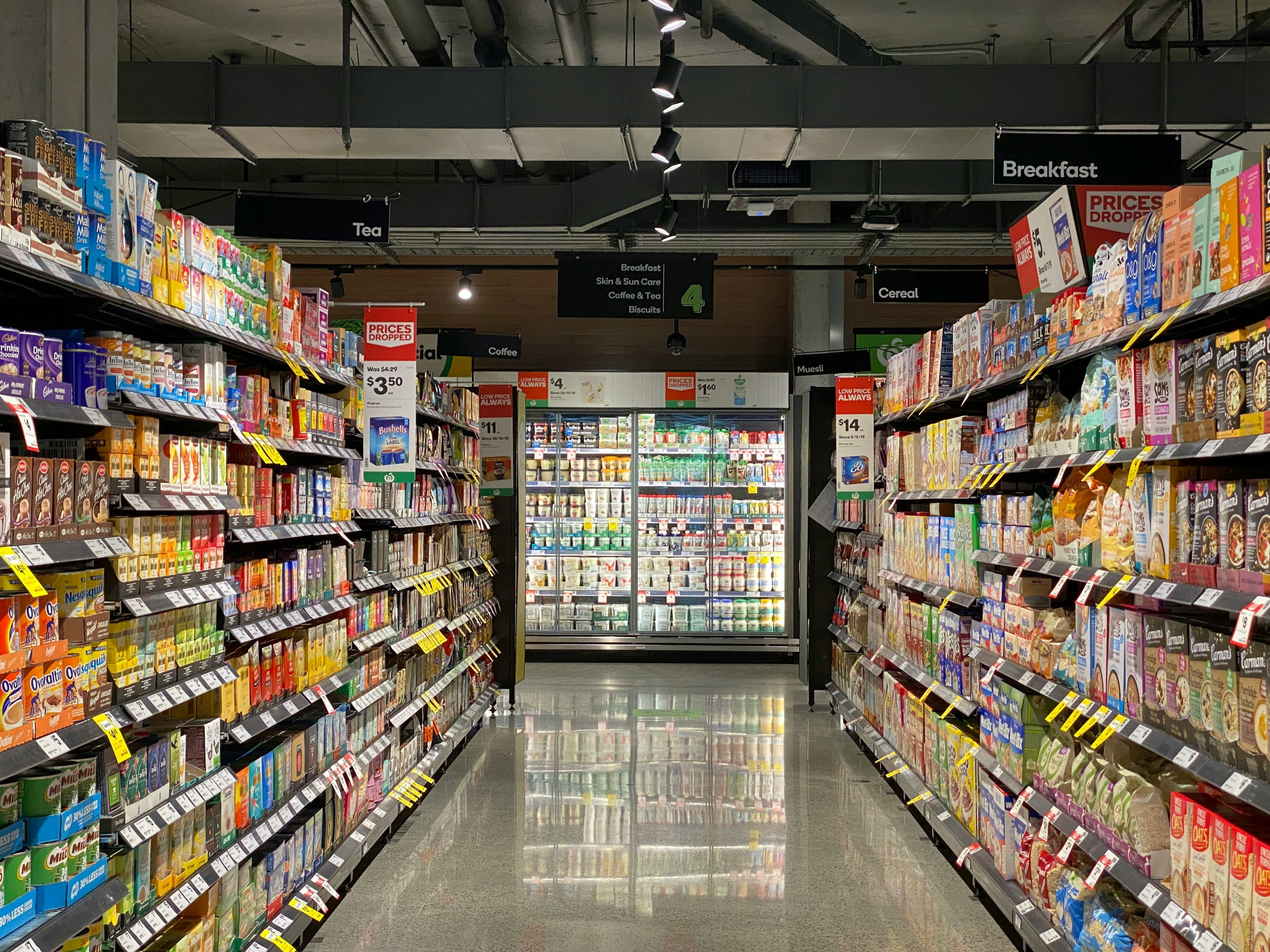
Out-of-stocks are one of the most direct causes of lost sales: the shopper wanted to buy, the product was in the building, but not on the shelf. Shelf monitoring uses fixed cameras, robots or associates' handheld devices to photograph shelves at intervals. A model compares each image with what should be there and flags empty or low facings, misplaced items and missing or wrong price labels.
The value comes from speed. A gap spotted within minutes can be refilled from the back room before many shoppers walk past it. Retailers usually start with high-velocity categories such as dairy, beverages and household staples, where gaps are frequent and costly.
2. Planogram compliance
A planogram is the agreed layout for a shelf or display: which products go where, how many facings each gets and in what order. Layouts drift as shelves are restocked in a hurry. Computer vision checks shelf images against the planogram and lists the differences, so store teams can correct them and category managers can see compliance across hundreds of stores without visiting them. Brands that pay for promotional space also use the same images as proof that displays were set up as agreed.
3. Checkout loss prevention
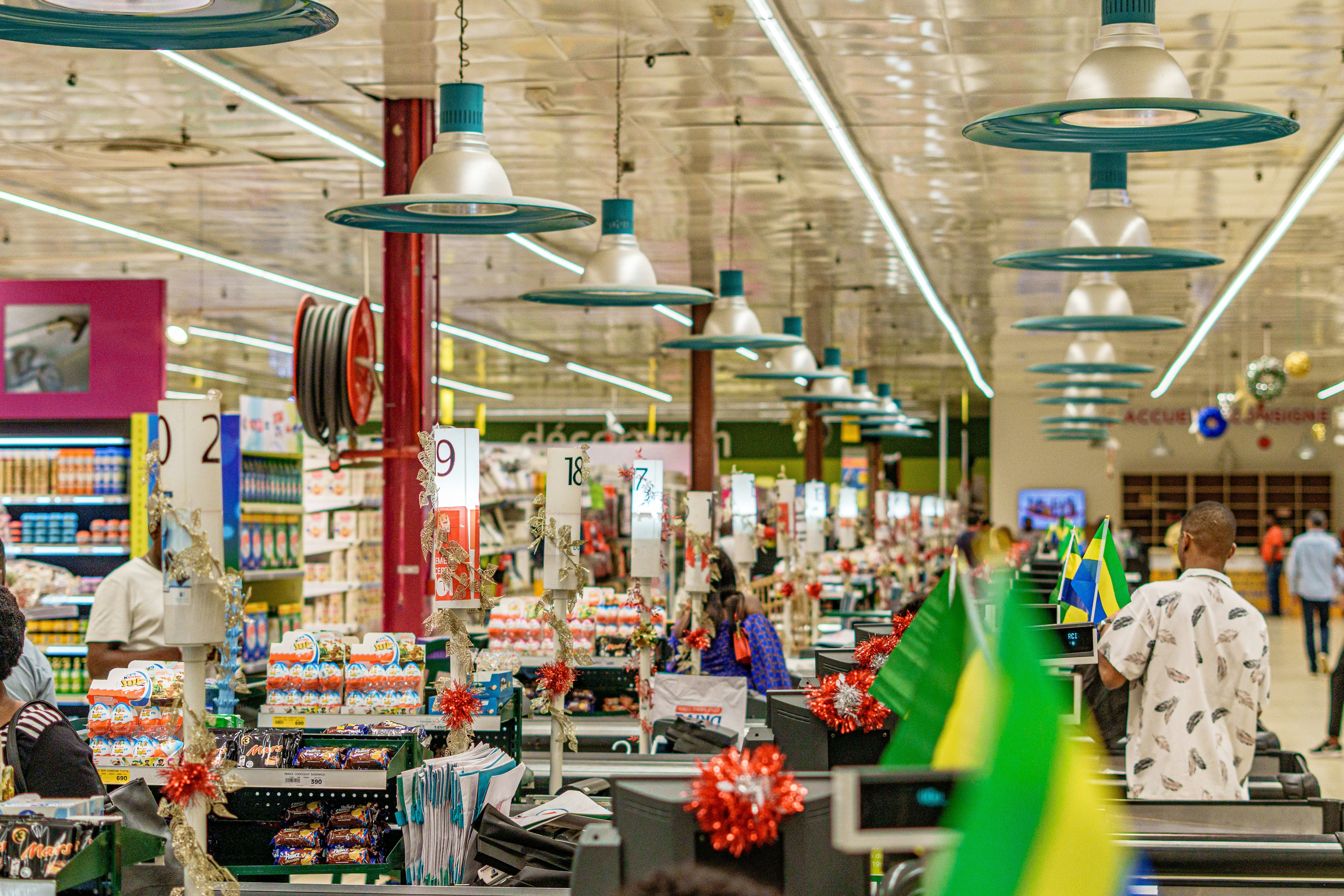
Shrink at checkouts includes honest mistakes, items missed at self-checkout and deliberate theft. Overhead cameras at staffed tills and self-checkout kiosks watch each item's path and compare it with what the scanner recorded. When an item goes into the bag without a matching scan, the system can prompt the shopper on screen or alert an attendant.
The design goal is a gentle intervention rather than an accusation. Most systems prompt a rescan first and only escalate to staff if the mismatch remains, which keeps the experience fair for honest shoppers.
4. Footfall analytics and store heatmaps
Footfall counting tells you how many people entered the store and when, which is the denominator for conversion rate. Ceiling cameras can go further and show which zones people visit, the routes they take and how long they stay, often displayed as a heatmap over the floor plan.
These insights help with layout and staffing decisions: whether a promotional end-cap is drawing people, which aisles are ignored and whether staff are on the floor when traffic peaks. This is one of the use cases where existing CCTV can often be reused, and it works well without identifying anyone.
5. Queue management
Cameras above the checkout area measure how many people are waiting and for how long. When queues pass a threshold, the system alerts the manager to open another till or send staff to help at self-checkout. Over weeks, the same data shows which days and hours need more checkout staff, so rosters can be planned rather than reacted to.
6. Inventory counting and back-room visibility
Manual stock counts are slow and often wrong. Computer vision can count cartons on back-room racking, read barcodes and labels from images, and check that inbound deliveries match what was ordered. In stores and dark stores that serve online orders, knowing exactly what is on hand reduces substitutions and cancelled orders.
7. Cashierless and frictionless checkout
Cashierless stores use many cameras, often combined with shelf weight sensors, to track which items each shopper picks up and charge them automatically when they leave. Amazon introduced its Just Walk Out technology in Amazon Go stores in 2018, and several retailers and technology vendors have since run their own versions.
It is the most demanding use case. It needs dense camera coverage, careful calibration and a large training effort, and the cost has led some retailers to prefer smart carts or scan-as-you-go apps instead. For most stores, it is a later step rather than a starting point.
How does a computer vision system work in a store?
Every retail computer vision system has the same building blocks, whatever the use case.
| Component | Role | Typical choices |
|---|---|---|
| Cameras | Capture images of shelves, tills or the floor | Existing CCTV, dedicated shelf cameras, overhead checkout cameras, robots or handhelds |
| Edge computing | Runs models in the store, close to the cameras | Small GPU devices or in-store servers |
| Models | Detect products, gaps, people or actions | Object detection and classification models trained on the retailer's own images |
| Product catalogue | Tells the model what each product looks like and where it belongs | Product images, planograms, price files |
| Integration | Sends results to the people and systems that act | Store task apps, replenishment, point of sale, BI dashboards |
| Monitoring | Tracks accuracy and retrains as ranges change | Review queues, accuracy reports, periodic retraining |
Two practical points matter more than the choice of model. First, product ranges change constantly, so the system needs an easy way to learn new packaging and new products. Second, results must land in a workflow staff already use. An alert that nobody sees does not refill a shelf.
What are the challenges and privacy rules?
| Challenge | Why it matters | How retailers handle it |
|---|---|---|
| Changing products and packaging | Models trained on last season's packs miss new ones | Fast enrolment of new products and regular retraining |
| Store conditions | Glare, poor lighting and blocked views lower accuracy | Camera placement surveys and per-store tuning |
| Integration effort | Value depends on alerts reaching the right person | Connect to existing task, replenishment and POS systems |
| Cost of coverage | Dense camera networks are expensive | Start with the highest-value aisles and tills |
| Privacy | Shopper and staff video is personal data | Anonymous analytics, clear notice, short retention, access controls |
Privacy deserves particular care. In India, video that can identify shoppers or staff is personal data under the Digital Personal Data Protection Act, 2023. Retailers need to tell people that cameras are in use and why, use the footage only for those purposes, keep it no longer than needed and protect it properly. Most of the use cases above work without knowing who anyone is, so the safer design is to count, track and analyse anonymously, and to avoid face recognition of customers unless there is a clear legal basis and consent. For a closer look at what the Act asks of businesses, see DPDP compliance.
How do you measure the value of computer vision in retail?
Each use case should be judged on a business number it is meant to move, measured before and after the pilot, and compared with similar stores that did not get the system.
- Shelf monitoring: on-shelf availability, out-of-stock duration and sales in the monitored categories.
- Planogram compliance: the share of displays that match the planogram on each audit, and the time stores take to correct errors.
- Checkout loss prevention: shrink at the monitored tills, the number of prompts shoppers resolve themselves, and attendant time spent on interventions.
- Footfall and queues: conversion rate (transactions divided by visitors), average wait time at peak and the number of abandoned baskets.
- Inventory counting: count accuracy, the time each count takes and the number of online orders cancelled for stock that was not really there.
Track the operating side too: how quickly staff act on alerts, how many alerts turn out to be wrong and how much model retraining the system needs as ranges change. A use case that is accurate but ignored by busy store teams will not pay back, so adoption is as important a measure as accuracy.
How should a retailer get started?
- Pick one measurable problem. Out-of-stocks in a key category, checkout shrink at self-checkout or queue length at peak hours are good candidates.
- Set a baseline. Measure the current out-of-stock rate, shrink or wait time in a few pilot stores and a few comparison stores.
- Survey the stores. Check camera positions, lighting, network and power, and decide what existing CCTV can be reused.
- Pilot with real staff workflows. Make sure alerts reach associates on a device they already carry and that someone owns acting on them.
- Measure and decide. Compare pilot stores with the baseline after a few weeks, then expand to more categories or stores only if the numbers hold.
Retailers that do not have an in-house computer vision team often work with a specialist to build the first use case. The same skills apply across industries: Perimattic's computer vision development services team builds inspection systems for factories and has applied the same approach to medical imaging, covering data collection, model training, edge deployment and integration with the systems people already use.