
 Brandnata + LazadaMarketplaces
Lazada seller profit by country after fees and returns
Brandnata connects to Lazada through Lazada Open Platform seller authorization, where you log in with your Lazada seller account and approve Brandnata's app, in about 5 minutes. The connection is read-only by default, and Lazada data is reconciled with every other channel you connect in one dashboard.
Brandnata's Lazada integration reads orders, item-level finance transactions, payout statements and reverse orders from the Lazada Open Platform for each country you sell in. Every fee line, voucher, shipping charge and refund is tied back to its order item and SKU, then set against product cost, so you see what Lazada pays you after everything comes off.
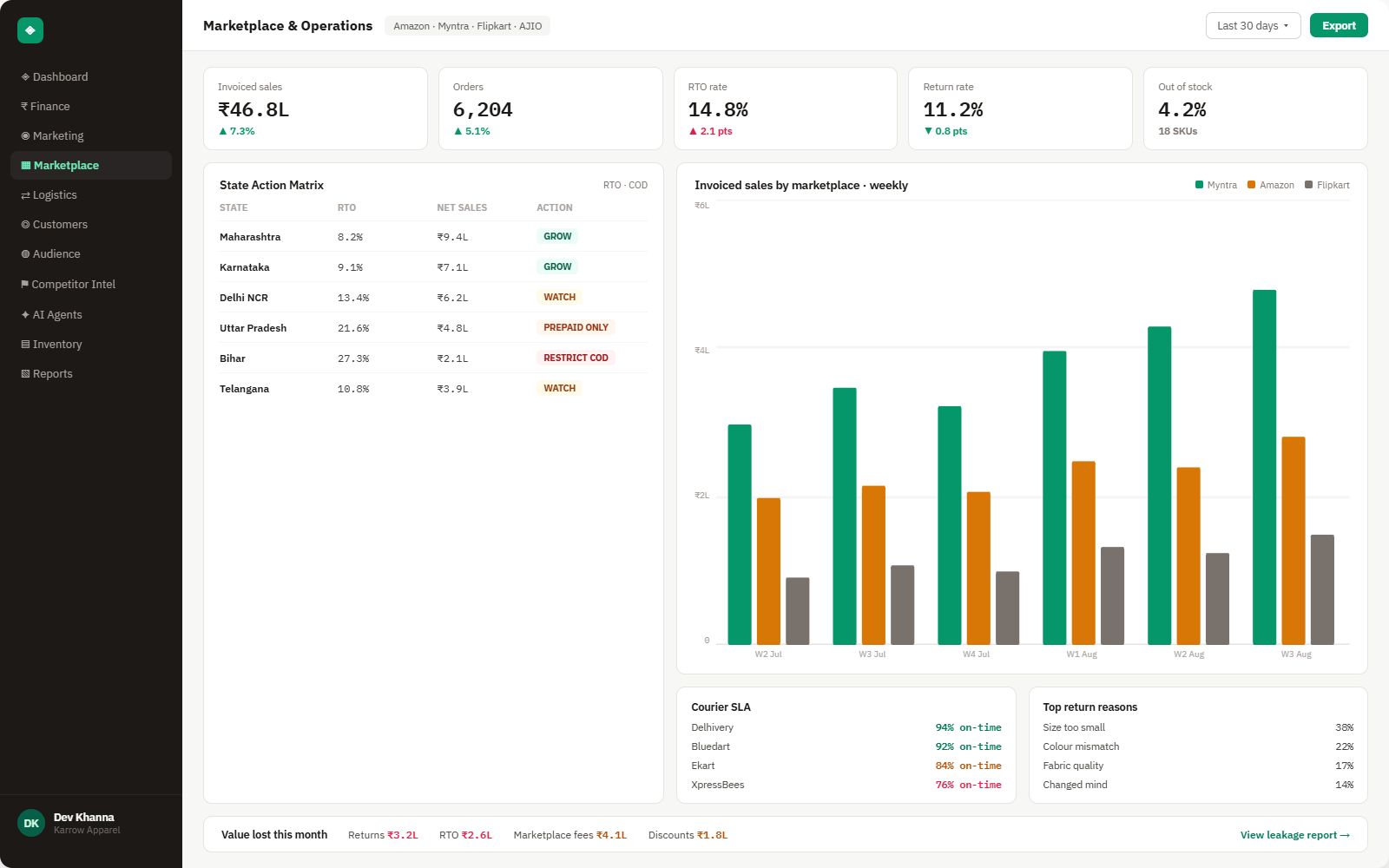
Everything Lazada sends into Brandnata
Orders and returns sync throughout the day, and finance transactions are pulled as Lazada posts them, in pages of up to 500 lines covering at most 180 days per query. Lazada authorizations expire, so Brandnata reminds you to authorize again before access lapses.

Orders & items
Orders and order items with seller SKU, price, status, shipping fee and the vouchers funded by Lazada or by you, per country.
Transaction details
Every finance line with fee name, amount, VAT, withholding tax, statement number and paid status, tied to its order item and SKU.
Payout statements
Item revenue, shipping fees, payment and return-to-seller fees, refunds and the payout amount for each statement, with its paid status.
Reverse orders
Cancellations, returns and refund-only requests, with whether items go back to a Lazada warehouse or to you, and the QC decision.
How Brandnata uses Lazada data
Lazada finance lines are tied to the order items they belong to, so a Lazada sale's margin compares directly with the same SKU on Shopee, TikTok Shop or your Shopify store. Each country keeps its own currency, and product costs are shared across channels.

Lazada data feeds Brandnata's anomaly alerts and AI agent suggestions. The connection itself only reads data and never changes anything in Lazada.
What you can do with Lazada in Brandnata
Specific, Lazada-native use cases, not a generic list that applies to every connector the same way.
Add up every finance line posted for an order item, then subtract product cost and packaging to see what that sale earned.
Separate Lazada-funded vouchers from your own, and see how much seller vouchers and shipping discounts take out of margin by SKU.
Track returns and refund-only requests by SKU, together with fees charged on refunds, to find products that lose money after the sale.
Compare your Lazada stores in Singapore, Malaysia, Thailand, Vietnam, Indonesia and the Philippines, each in its own currency, with Shopee and your other channels.
Where Brandnata + Lazada fits
Other ways teams currently piece this data together, and where each one runs out of reach.
| Approach | Coverage | Where it falls short |
|---|---|---|
| Brandnata + Lazada · this page | Orders, finance transactions, statements and reverse orders combined with product costs, by order item, SKU and country | N/A |
| Lazada Seller Center (native) | Orders, finance statements and transaction reports for each store | Each country store is reported on its own and without product costs, so profit per SKU across markets isn't shown |
| Multichannel order tools | Order, stock and listing sync between Lazada, Shopee and other channels | Keep operations in step but don't net fee lines and refunds against product cost per SKU |
| Spreadsheets | Transaction report downloads matched to order exports by order item number | Hundreds of fee lines per statement have to be matched by hand, separately for each country and currency |
Lazada works alongside every other connector
Data from Lazada doesn't sit in isolation, it's matched against orders, customers and spend from every other platform you connect, so the full picture shows up automatically.
Related connectors
Brands using Lazada usually connect these too.
Shopee orders, escrow fee breakdowns, payouts and Shopee Ads, combined with product costs to show profit per order and SKU.
Orders, returns, creator commissions and settlements, with net profit per order.
Marketplace sales, fees, ads and inventory across every Amazon region.
Orders, revenue, products, customers and inventory, synced live.
Lazada integration FAQs
Lazada details on this page were last checked against Lazada's own documentation on .
How do I connect Lazada to Brandnata?
Choose Lazada in Brandnata and you're sent to Lazada's authorization page. Log in with your seller account and approve Brandnata's app. Under Lazada's current policy, local sellers may first need to subscribe to the app in the Lazada Service Market, while a cross-border seller can authorize all its country stores at once. Authorizations expire and need renewing.
How much does Lazada charge sellers?
It varies by country. Lazada's fees differ across its six markets and change over time, so a single rate table quickly goes out of date. Brandnata reads the fees actually charged on each order item from Lazada's finance transaction details instead, along with the VAT and withholding tax recorded on each line, and totals them by SKU.
What does a Lazada payout statement include?
A Lazada statement lists item revenue, shipping fees and credits, other revenue, refunds, fees on refunds and a fees total covering the payment fee and return-to-seller fee, ending with the payout amount and whether it has been paid. Brandnata breaks each statement down to the order items behind it and adds your product costs.
Which countries does Lazada operate in?
Six: Singapore, Malaysia, Thailand, Vietnam, Indonesia and the Philippines. Each country has its own API host and seller store, and a cross-border seller can hold stores in several of them. Lazada doesn't operate in India. Brandnata keeps each country's figures in local currency and lets you compare them side by side.
What are the Lazada Open Platform API limits?
Lazada limits how much each request returns. Order lists return up to 100 orders per call, and finance transaction queries return up to 500 lines and can span at most 180 days. Brandnata pages through these limits during the first import, so a long sales history loads in several passes rather than one request.
What is the difference between Lazada and Shopee for sellers?
Both are Southeast Asian marketplaces with open APIs for sellers' tools, but their fee data is shaped differently. Lazada reports item-level finance transactions grouped into statements, while Shopee calculates an escrow amount for each order. Brandnata reads both formats and compares Lazada and Shopee stores on one profit definition, country by country.
Can Brandnata change my Lazada listings, prices or orders?
No. Brandnata reads orders, finance transactions, payout statements and reverse orders. It doesn't create or edit products, change prices or stock, process orders or shipments, or respond to return and refund requests. Its access covers only the stores you authorized, and it stops working once that authorization expires.

Connect Lazada in about 5 minutes
Connects through Lazada Open Platform seller authorization, where you log in with your Lazada seller account and approve Brandnata's app. Read-only to start, with your first reconciled numbers within a day.