
 Brandnata + BrazeEmail, SMS & messaging
Braze campaign and Canvas revenue, checked against your margin
Brandnata connects to Braze through a REST API key with export-only permissions that you create in Braze under Settings > APIs and Identifiers, in about 5 minutes. The connection is read-only by default, and Braze data is reconciled with every other channel you connect in one dashboard.
Braze reports conversions and revenue for each campaign and Canvas from the purchase events your apps and site log. Brandnata's Braze integration reads those series through Braze's export API and checks them against the orders, refunds and product costs in your store, so cross-channel journeys are judged on the margin they bring, not on credited revenue.
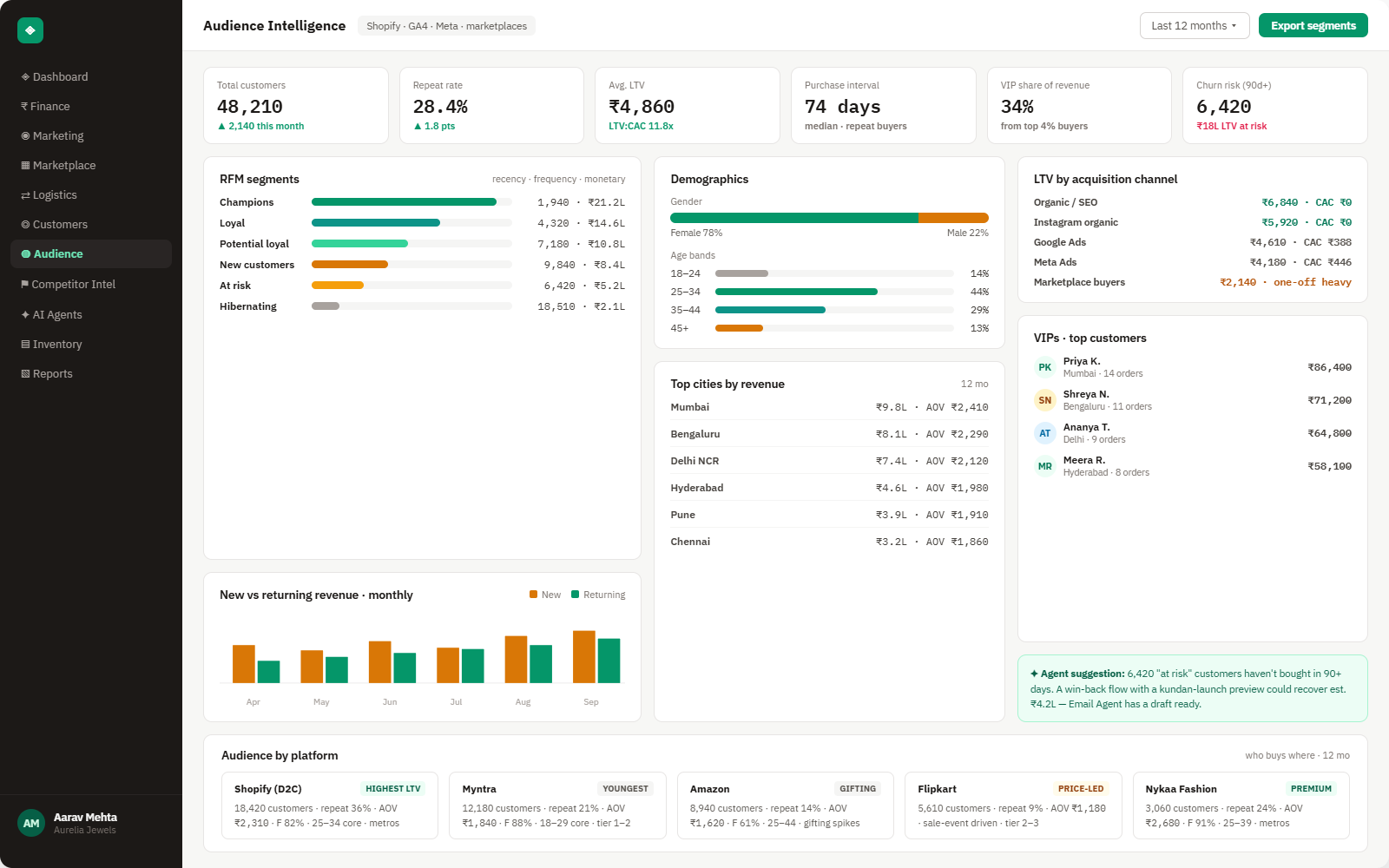
Everything Braze sends into Brandnata
Brandnata pulls campaign, Canvas and purchase revenue series from Braze once a day and re-reads recent weeks, because conversions keep arriving until each conversion deadline passes. Braze resets rate limits on the clock hour and serves Canvas series 14 days per request, so long histories load in batches.

Campaign series
Daily unique recipients, conversions and revenue per campaign, with sends, opens, clicks and deliveries split by email, SMS, WhatsApp and push.
Canvas performance
Entries, conversions and revenue for each Canvas, broken down by variant and by step.
Purchase revenue
Total purchase revenue by day or hour from Braze's revenue series, for all products or one named product.
Logged products
The product names your purchase events report to Braze, matched to the SKUs and costs in your store.
How Brandnata uses Braze data
Braze runs the cross-channel journeys that keep customers buying. Brandnata checks its campaign and Canvas revenue against orders, refunds and product costs from Shopify or WooCommerce, beside Klaviyo email results and Meta Ads and Google Ads spend, so retention messaging is judged on the margin kept rather than the revenue credited.

Braze data feeds Brandnata's anomaly alerts and AI agent suggestions. The connection itself only reads data and never changes anything in Braze.
What you can do with Braze in Brandnata
Specific, Braze-native use cases, not a generic list that applies to every connector the same way.
Braze credits Canvas conversions to the last Canvas Message step a user received. Brandnata sets each step's revenue beside the margin and refunds of the orders behind it, so steps that only bring discounted orders stand out.
Braze shows purchases logged in other currencies in US dollars, at the exchange rate on the date reported. Brandnata uses the INR or other store currency on your actual orders, so results match your books.
An order inside a Braze conversion window can also be credited by Meta Ads or Google Ads. Brandnata shows where the same order is counted twice, so channel totals add up to actual sales.
Compare the email, SMS, WhatsApp and push sends in each campaign with the orders and margin that campaign produced, and see where Action Credits are earning their cost.
Where Brandnata + Braze fits
Other ways teams currently piece this data together, and where each one runs out of reach.
| Approach | Coverage | Where it falls short |
|---|---|---|
| Brandnata + Braze · this page | Campaign, Canvas and purchase revenue series checked against store orders, refunds and costs, with overlaps against paid channels shown | N/A |
| Braze campaign and Canvas analytics (native) | Sends, engagement, conversions and revenue per campaign, Canvas, variant and step, across every messaging channel | Revenue comes from purchase events inside the conversion window, shown in US dollars, without refunds, product costs or other channels' claims |
| Braze Currents into a data warehouse | A real-time stream of engagement events, delivered as Avro files to a warehouse or data partner | Joining events to orders, costs and refunds is SQL your data team writes and maintains, and Currents isn't part of every package |
| Spreadsheets | Campaign and Canvas results exported from the dashboard and lined up with store order reports | Dollar-converted revenue has to be reworked into store currency and late conversions are missed after each export |
Braze works alongside every other connector
Data from Braze doesn't sit in isolation, it's matched against orders, customers and spend from every other platform you connect, so the full picture shows up automatically.
Related connectors
Brands using Braze usually connect these too.

Email and SMS flows, campaigns and revenue attribution.
WhatsApp template sends, clicks and message costs by category, matched to the orders, refunds and RTO behind them.
Orders, revenue, products, customers and inventory, synced live.
Campaigns, spend, ROAS and audience performance, tied to real revenue.
Braze integration FAQs
Braze details on this page were last checked against Braze's own documentation on .
How do I connect Braze to Brandnata?
In the Braze dashboard, go to Settings > APIs and Identifiers and select Create API Key. Name it and give it only export permissions, such as campaigns.data_series, canvas.data_series and purchases.revenue_series, plus the matching list permissions. Paste the key into Brandnata and pick your Braze instance. Braze doesn't let you edit a key's permissions after it's created.
How much does Braze cost?
Braze doesn't publish prices or offer a free plan. Each contract is quoted and scales with monthly active users, and usage draws on Action Credits shared across channels, such as 1 credit for an SMS and 5 for a WhatsApp message in Braze's own example. The editions are Braze Go, Braze Select, Braze Pro and Braze Enterprise.
What are Braze's API rate limits?
Many export endpoints share a pool of 250,000 requests an hour, and limits reset on the clock hour rather than a rolling window. The campaign data series endpoint allows 50,000 requests a minute. Each campaign request covers up to 100 days and each Canvas request up to 14, so Brandnata splits longer history into several requests.
Does Braze have a data center in India?
No. Braze's API documentation lists instances in the US, the EU, Australia, Indonesia, Japan and South Korea, with none in India. Your instance shows in your dashboard address, and each has its own REST endpoint, such as rest.fra-01.braze.eu for EU-01. Brandnata calls the REST endpoint for your instance, not the SDK endpoint.
Do I need Braze Currents to use Brandnata?
No. Currents is Braze's real-time stream of engagement events, delivered as Avro files to data warehouses and partners, and a connector is included in many Pro and Enterprise packages. Brandnata uses Braze's REST export endpoints instead, which return daily campaign, Canvas and revenue series. If you already run Currents, it keeps feeding your warehouse separately.
Why is Braze revenue different from my store's revenue?
Braze counts revenue from purchase events logged inside a conversion window, three days by default and up to 30, and shows purchases in other currencies in US dollars at the rate on the date reported. Refunds, product costs and orders claimed by other channels aren't deducted. Brandnata compares Braze's figures with your store orders in their original currency.
Can Brandnata send messages or edit Canvases in Braze?
No. Brandnata asks only for export permissions, and Braze returns a 403 error for any endpoint a key isn't permitted to call, so the key can't send messages or change users. Brandnata doesn't launch campaigns, edit Canvases or update profiles. Deleting the key under Settings > APIs and Identifiers removes its access.

Connect Braze in about 5 minutes
Connects through a REST API key with export-only permissions that you create in Braze under Settings > APIs and Identifiers. Read-only to start, with your first reconciled numbers within a day.