
 Brandnata + NykaaMarketplaces
Nykaa seller profit after commission, returns and RTO
Brandnata connects to Nykaa through the API username, password and seller ID that your Nykaa account team issues, with payment reports from the seller panel added for settlement details, in about 5 minutes. The connection is read-only by default, and Nykaa data is reconciled with every other channel you connect in one dashboard.
Brandnata's Nykaa integration brings in orders, customer returns, RTO and payment reports from Nykaa.com and Nykaa Fashion. Commission, fees, GST on fees and tax withheld are set against the orders they belong to and combined with product costs and ad spend, so you can see what each product earns on Nykaa after returns.
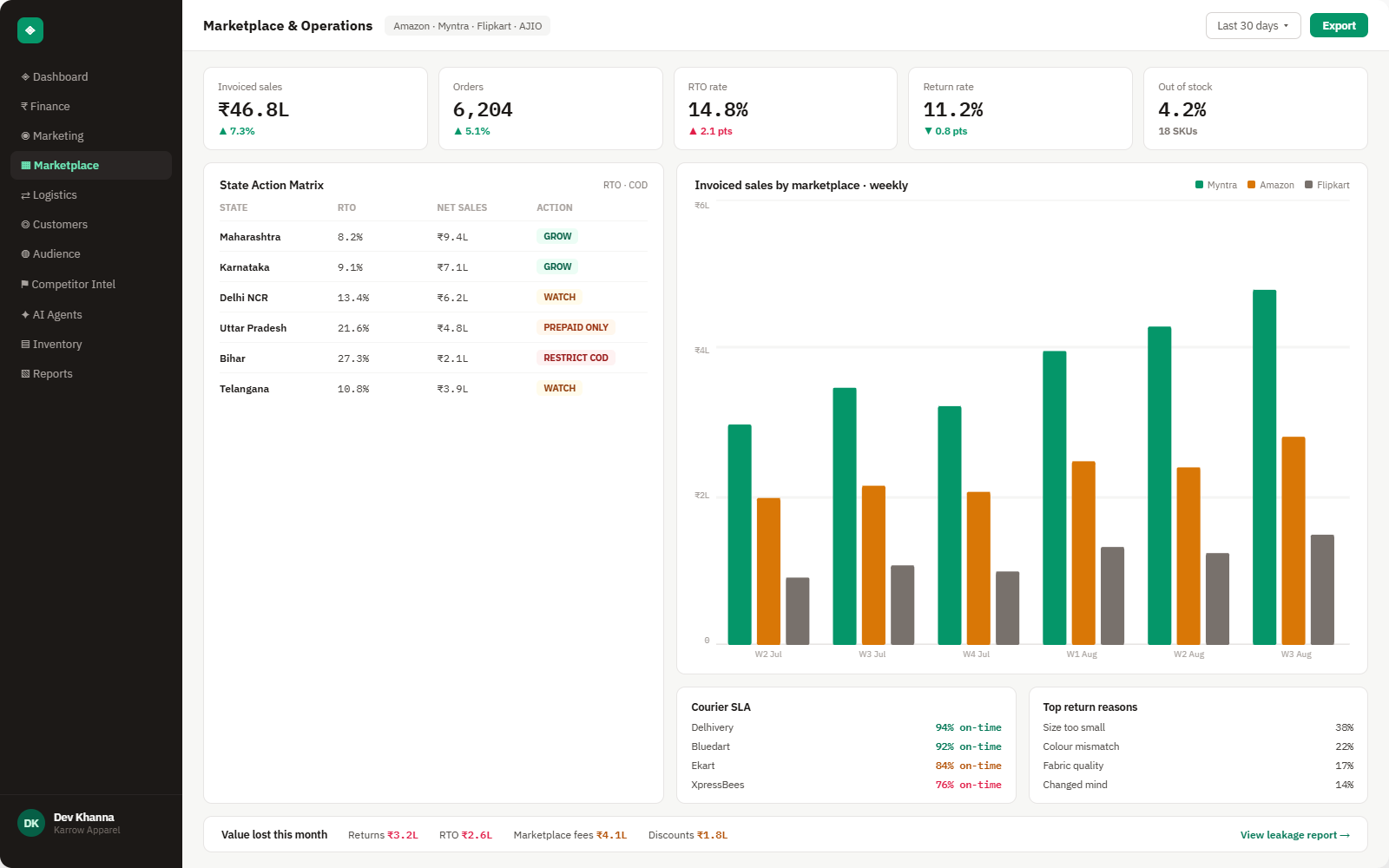
Everything Nykaa sends into Brandnata
Once connected, orders, returns and RTO sync throughout the day, and payment data updates whenever a new payment report is added.

Orders
Nykaa.com and Nykaa Fashion orders with SKU, selling price, order date and status, kept as separate channels.
Returns & RTO
Customer returns and undelivered RTO shipments, recorded separately because they're charged and disputed differently.
Payment deductions
Commission, fees and 18% GST on fees from your payment reports, matched to each order.
TCS & TDS
TCS of 0.5% under GST and TDS of 0.1% under income tax, separated from fees so payouts reconcile.
How Brandnata uses Nykaa data
Nykaa supplies the marketplace side of a beauty, personal care or fashion brand. Brandnata combines its orders, returns and payment deductions with product costs and ad spend from Meta Ads and Google Ads, then compares Nykaa with Myntra, Amazon and your own store on the same definition of profit.

Nykaa data feeds Brandnata's anomaly alerts and AI agent suggestions. The connection itself only reads data and never changes anything in Nykaa.
What you can do with Nykaa in Brandnata
Specific, Nykaa-native use cases, not a generic list that applies to every connector the same way.
Beauty and fashion return patterns differ by product and shade. Brandnata shows which products still earn money once returns and RTO are counted.
The two channels have different models and deductions, so Brandnata reports them separately and side by side.
Returns that came back damaged or wrong are flagged quickly, while there's still time to raise them with Nykaa.
Where Brandnata + Nykaa fits
Other ways teams currently piece this data together, and where each one runs out of reach.
| Approach | Coverage | Where it falls short |
|---|---|---|
| Brandnata + Nykaa · this page | Orders, returns, RTO and payment deductions matched per order with product costs and ad spend, by Nykaa channel | N/A |
| Nykaa seller panel (native) | Orders, returns, RTO and payment reports for your Nykaa business | No product costs, ad spend or other channels, and payments must be matched to orders by hand |
| OMS tools (Unicommerce, EasyEcom) | Order processing, labels and inventory sync for Nykaa, Nykaa Fashion and B2B channels | Built for operations, so profit after returns and advertising needs separate work |
| Fee calculators and spreadsheets | Commission estimates per product, or payment reports matched by hand | Calculators use generic rates, and spreadsheets miss returns that settle in a later cycle |
Nykaa works alongside every other connector
Data from Nykaa doesn't sit in isolation, it's matched against orders, customers and spend from every other platform you connect, so the full picture shows up automatically.
Related connectors
Brands using Nykaa usually connect these too.

Myntra orders, returns and payout statement deductions, combined with ad spend to show profit by style and channel.
Marketplace sales, fees, ads and inventory across every Amazon region.

Unicommerce orders, shipments and returns across your marketplaces, combined with fees and ad spend to show real profit.
Orders, revenue, products, customers and inventory, synced live.
Nykaa integration FAQs
How do I connect Nykaa to Brandnata?
Nykaa doesn't publish a self-serve seller API. Ask your Nykaa account team for API credentials, which are a username, password and seller ID, and enter them in Brandnata. Payment reports from the seller panel can be uploaded for settlement detail, and orders can be uploaded as reports until API access is set up.
What commission does Nykaa charge sellers?
Nykaa's commission depends on the category, the business model and your seller agreement, and Nykaa doesn't publish a rate card. 18% GST applies to commission and fees. Brandnata uses the deductions on your own payment reports rather than an estimated rate.
Are Nykaa and Nykaa Fashion separate channels?
Yes. Nykaa.com, which is mostly beauty and personal care, and Nykaa Fashion run on different models and are set up as separate channels in order management tools. Brandnata keeps them apart so their margins can be compared.
Why is my Nykaa payment less than my sales?
Payments are net of commission, fees and GST on those fees, and returns reverse the sale. TCS of 0.5% under GST and TDS of 0.1% under income tax are also withheld. Brandnata lists each of these against the order it belongs to.
How long do I have to dispute a Nykaa return?
The windows are short. Nykaa's dispute process has allowed 7 days from delivery for most damaged or wrong returns, less for high-value items, and 20 days from creation for RTO, with unboxing video as evidence. Check the current process with your account team. Brandnata flags returns early so they can be inspected in time.
Can I separate RTO from customer returns on Nykaa?
Yes. Nykaa records customer returns and RTO as different return types. Brandnata reports them separately, because an RTO costs shipping on a sale that never happened, while a customer return also reverses revenue.
Can Brandnata change my Nykaa listings or prices?
No. Brandnata reads orders, returns and payment data. It doesn't change listings, prices, inventory or order status on Nykaa.

Connect Nykaa in about 5 minutes
Connects through the API username, password and seller ID that your Nykaa account team issues, with payment reports from the seller panel added for settlement details. Read-only to start, with your first reconciled numbers within a day.