
Omnisend email and SMS revenue, checked against real orders
Brandnata connects to Omnisend through an Omnisend API key that you create under Store settings > API keys with the permissions Brandnata lists, then paste into Brandnata, in about 5 minutes. The connection is read-only by default, and Omnisend data is reconciled with every other channel you connect in one dashboard.
Brandnata's Omnisend integration reads your campaigns, campaign reports, attributed orders and subscriber data. Revenue Omnisend credits to an email or SMS is checked against the orders in your store, so refunds, discounts and product costs are reflected and you can see what your email and SMS program contributes to profit, not just to revenue.
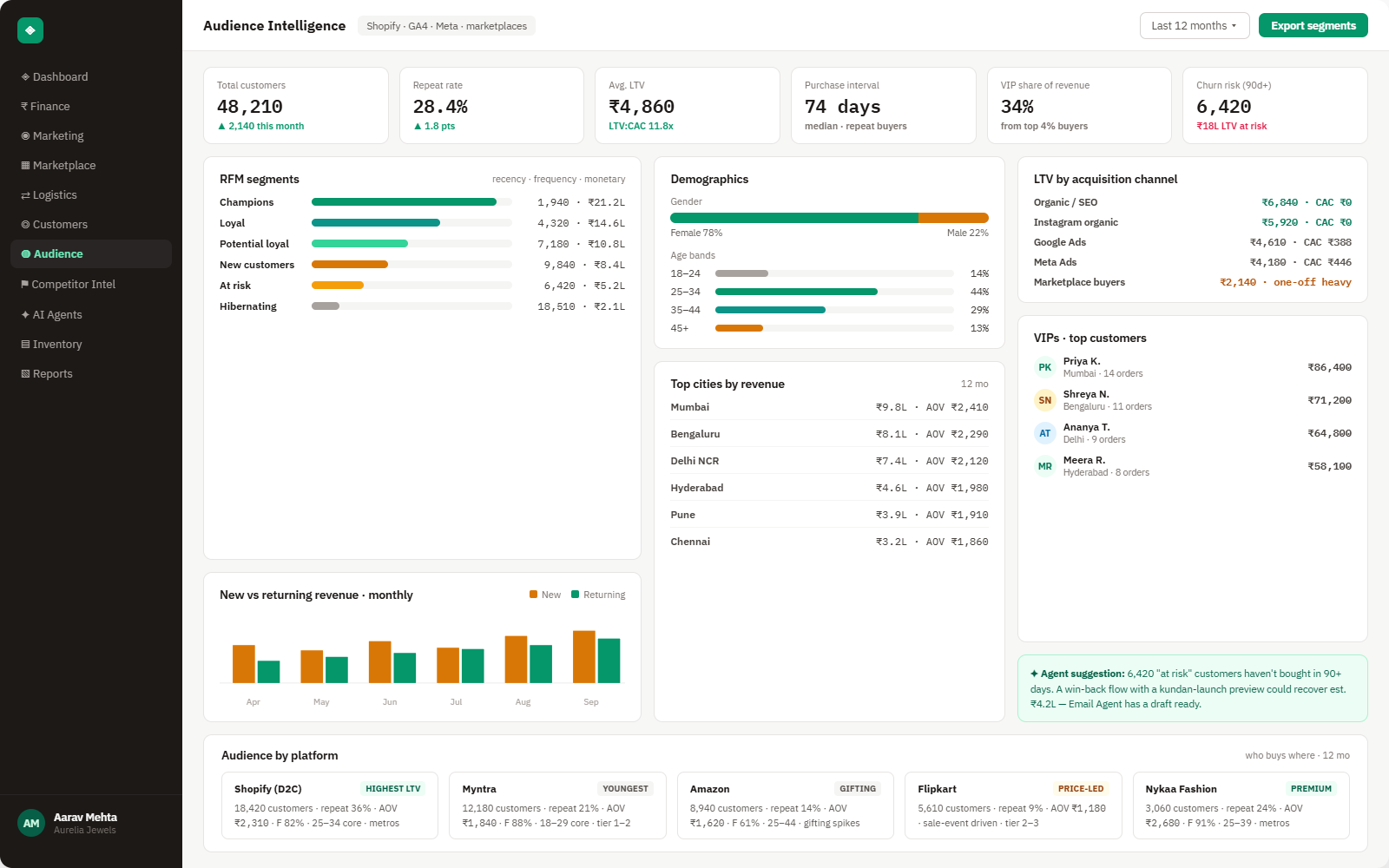
Everything Omnisend sends into Brandnata
Once connected, campaign results and attributed orders sync throughout the day, and subscriber counts update daily.

Campaigns & reports
Email and SMS campaigns with send date, audience size, opens, clicks, unsubscribes and the revenue Omnisend attributed to them.
Automations
Welcome, cart abandonment, browse abandonment and post-purchase workflows, with the messages they sent and the orders credited to them.
Attributed orders
Orders Omnisend linked to a message, with the order ID that connects them to the same order in your store.
Subscribers
Contact growth and email and SMS subscription status, used to measure list growth and what a subscriber is worth over time.
How Brandnata uses Omnisend data
Omnisend supplies the owned-channel side of your marketing. Its attributed orders are checked against the orders, refunds and costs from your Shopify, WooCommerce or other store, and set beside paid channels, which shows what email and SMS add to profit and where an order has been credited to more than one channel.

Omnisend data feeds Brandnata's anomaly alerts and AI agent suggestions. The connection itself only reads data and never changes anything in Omnisend.
What you can do with Omnisend in Brandnata
Specific, Omnisend-native use cases, not a generic list that applies to every connector the same way.
Omnisend keeps refunded and cancelled orders attributed. Brandnata checks credited orders against your store and removes the refunds, giving revenue you can rely on.
Apply product costs, discounts and fees to the orders a campaign drove, and see which sends made money and which only moved discounted stock.
An order can be claimed by Omnisend and by Meta Ads or Google Ads at the same time. Brandnata shows where credits overlap so channel totals add up to real sales.
Brands testing or moving between email platforms can compare results using the same order data and the same definitions.
Where Brandnata + Omnisend fits
Other ways teams currently piece this data together, and where each one runs out of reach.
| Approach | Coverage | Where it falls short |
|---|---|---|
| Brandnata + Omnisend · this page | Campaign and automation revenue checked against store orders, refunds and costs, with overlaps against paid channels shown | N/A |
| Omnisend reports (native) | Campaign, automation and sales reports with opens, clicks, attributed orders and revenue | Refunded and cancelled orders stay attributed, and product costs, fees and other channels' claims aren't considered |
| Store reports (Shopify, WooCommerce) | Orders, net sales and refunds, sometimes split by UTM source | Email and SMS sales show up only where UTM tags survived the click, and opens never appear |
| Exports in spreadsheets | Omnisend report exports compared with store order exports | Slow to repeat, and changing Omnisend's attribution settings recalculates past reports, so old exports stop matching |
Omnisend works alongside every other connector
Data from Omnisend doesn't sit in isolation, it's matched against orders, customers and spend from every other platform you connect, so the full picture shows up automatically.
Related connectors
Brands using Omnisend usually connect these too.

Email and SMS flows, campaigns and revenue attribution.
Mailchimp campaigns, automations and attributed revenue, compared with orders your store confirms.
Orders, revenue, products, customers and inventory, synced live.
Campaigns, spend, ROAS and audience performance, tied to real revenue.
Omnisend integration FAQs
How do I connect Omnisend to Brandnata?
In Omnisend, go to Store settings > API keys and click Create API key. Name it Brandnata, select the permissions Brandnata lists, create the key and copy it, since Omnisend won't show it again after you close the screen. Paste it into the Omnisend connection in Brandnata. Deleting the key in Omnisend removes access.
How does Omnisend attribute sales?
Omnisend uses last-touch attribution. An order is credited to the most recent message the contact engaged with, if it falls inside that channel's window. By default that's 7 days after an email is opened or clicked, and 24 hours after an SMS or push notification is clicked. Receiving a message without engaging doesn't count.
Can I change Omnisend's attribution window?
Yes, under Store settings > Sales attribution. You can change the window length per channel and choose whether it starts when the message is sent or when the contact first engages. Changing these settings recalculates all historical campaign and automation reports, so export any figures you need before you change them.
Why is Omnisend revenue higher than my store's sales?
Omnisend counts all placed orders, so refunded and cancelled orders remain attributed. Opens count toward email attribution, and Apple Mail Privacy Protection can register opens the subscriber never made unless you exclude them under the Tracking settings. Ad platforms may claim the same orders too. Brandnata checks credited orders against your store to remove these gaps.
Does Omnisend count opens from Apple Mail Privacy Protection?
By default, yes. Apple Mail Privacy Protection loads emails automatically, which records an open even when nobody read the message. Omnisend lets you exclude these opens from attribution under Store settings > Sales attribution > Tracking, which makes email revenue more conservative.
How does Omnisend compare with Klaviyo for reporting?
Both credit revenue to the last message a contact engaged with, but their default windows and settings differ, so the same order can be reported differently. Brandnata connects to Omnisend, Klaviyo and Mailchimp, and applies one set of order data to each, which keeps comparisons fair if you're evaluating or switching platforms.
Can Brandnata send campaigns or edit contacts in Omnisend?
No. Some Omnisend permission groups include editing as well as reading, but Brandnata only reads campaigns, reports, orders and subscriber data. It doesn't send messages, change automations or edit or delete contacts.

Connect Omnisend in about 5 minutes
Connects through an Omnisend API key that you create under Store settings > API keys with the permissions Brandnata lists, then paste into Brandnata. Read-only to start, with your first reconciled numbers within a day.