
Stripe fees and payouts reconciled to your orders
Brandnata connects to Stripe through Stripe's app authorization, where you choose your Stripe account and approve the permissions Brandnata requests, in about 5 minutes. The connection is read-only by default, and Stripe data is reconciled with every other channel you connect in one dashboard.
Brandnata's Stripe integration pulls in your charges, refunds, disputes and payouts, with the processing fee Stripe took on each payment. Fees and chargebacks are tied back to the orders they came from, so payment costs show up in your margin instead of sitting in a separate payout statement.
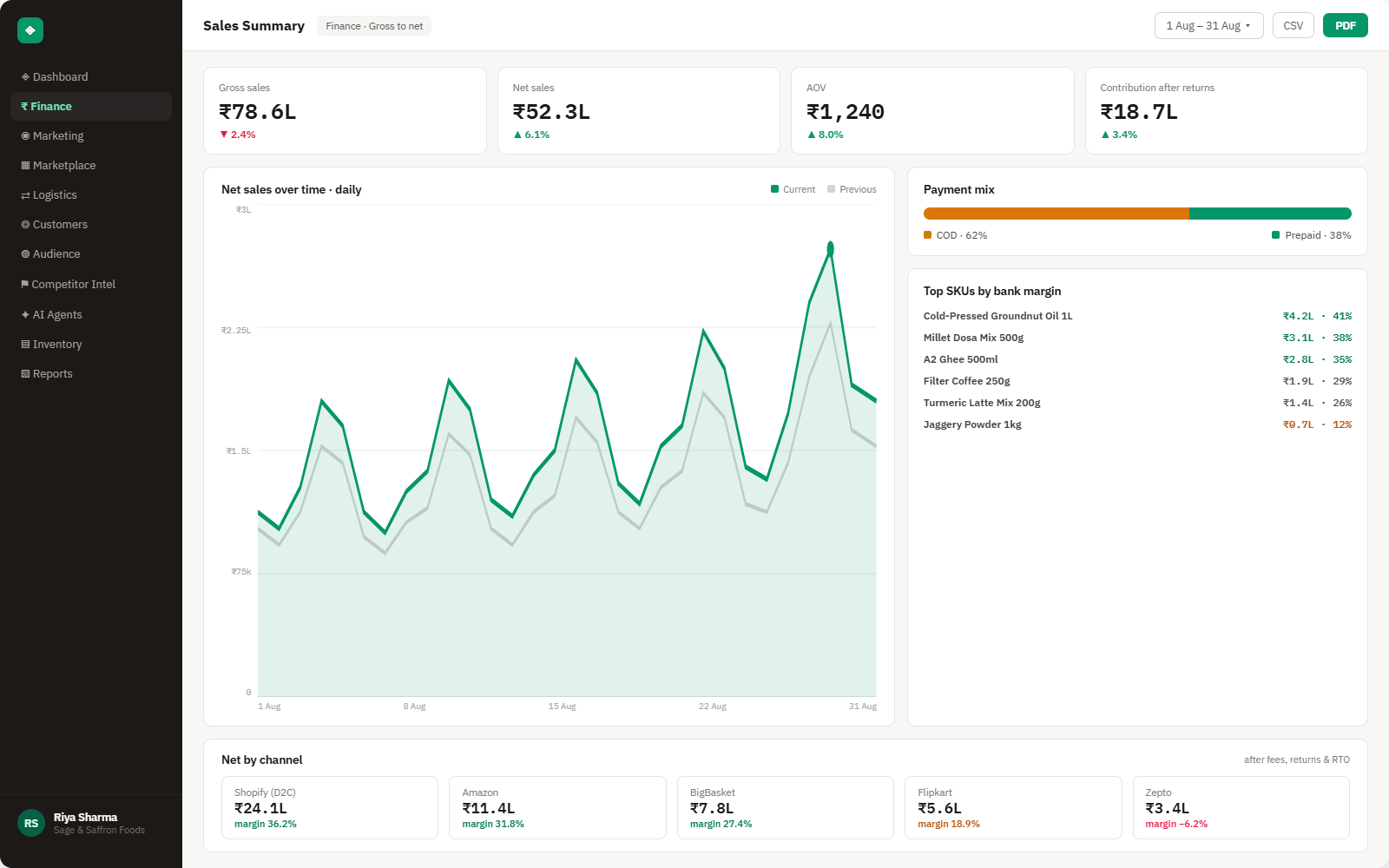
Everything Stripe sends into Brandnata
Once connected, charges, refunds and disputes sync throughout the day, and payouts are matched as Stripe sends them to your bank.

Charges & payments
Every successful charge with amount, currency, card country and the order reference your store attached to it.
Processing fees
The fee Stripe took on each payment, including international card and currency conversion charges, read from Stripe's balance transactions.
Refunds & disputes
Full and partial refunds, chargebacks and their outcome, with the dispute fee where one applied.
Payouts
Each payout to your bank with the charges, refunds, fees and adjustments it contains.
How Brandnata uses Stripe data
Stripe tells Brandnata what each order really cost to collect. Processing fees, refunds and dispute charges are applied to the order they belong to, so the margin you see for a Shopify or WooCommerce order already accounts for payment costs.

Stripe data feeds Brandnata's anomaly alerts and AI agent suggestions. The connection itself only reads data and never changes anything in Stripe.
What you can do with Stripe in Brandnata
Specific, Stripe-native use cases, not a generic list that applies to every connector the same way.
Count Stripe's processing fee against each order, so channel and product margins include what it cost to get paid.
Break each Stripe payout into the charges, refunds and fees behind it, so the amount that reached your bank can be explained line by line.
See refunds and chargebacks per product, including fees Stripe keeps on refunded payments and dispute fees on lost cases.
Find out how much cross-border cards and currency conversion add to your fees by market, before you expand ad spend there.
Where Brandnata + Stripe fits
Other ways teams currently piece this data together, and where each one runs out of reach.
| Approach | Coverage | Where it falls short |
|---|---|---|
| Brandnata + Stripe · this page | Processing fees, refunds and disputes applied to each order, with payouts reconciled and compared across channels | N/A |
| Stripe Dashboard (native) | Payments, balances, payouts and the payout reconciliation report for your Stripe account | Shows payment data on its own, so fees and refunds still have to be tied to orders, products and ad spend elsewhere |
| Store reports (Shopify, WooCommerce) | Orders, gross sales and refunds from your storefront | Payment processing fees and disputes from Stripe usually don't appear in the store's profit figures |
| Payout CSVs in spreadsheets | Payout reconciliation exports matched to order exports by hand | Slow to build each month, and one missed refund or dispute throws the totals off |
Stripe works alongside every other connector
Data from Stripe doesn't sit in isolation, it's matched against orders, customers and spend from every other platform you connect, so the full picture shows up automatically.
Related connectors
Brands using Stripe usually connect these too.
PayPal payments, fees, refunds and disputes, tied to your orders and payouts.
Orders, revenue, products, customers and inventory, synced live.
WordPress store orders, refunds, products and stock, tied to ad spend and profit.
Campaigns, spend, ROAS and audience performance, tied to real revenue.
Stripe integration FAQs
How do I connect Stripe to Brandnata?
Choose Stripe in Brandnata and you're taken to Stripe's authorization screen. Pick the Stripe account you want to connect and approve the read-only permissions shown. You don't paste API keys into Brandnata, and you can remove the access from your Stripe Dashboard at any time.
How much does Stripe charge per transaction?
Stripe's standard US rate for online card payments is 2.9% plus $0.30 per successful charge. International cards add 1.5%, and currency conversion adds another 1% when it applies. Rates differ by country and by plan, so Brandnata uses the fee Stripe recorded on each payment rather than a fixed rate.
Why doesn't my Stripe payout match my sales?
A payout is your sales minus Stripe's fees, refunds and disputes, and it often covers payments from several days. A refund issued today can reduce today's payout even though the original sale was paid out earlier. Brandnata lists the charges, refunds, fees and adjustments inside each payout so the difference is easy to trace.
Does Stripe return its fee when I refund a customer?
No. When you refund a payment, Stripe doesn't return the processing fee from the original charge. Brandnata counts that fee against the refunded order, so a product with a high refund rate shows its true cost.
How are Stripe disputes and chargebacks handled?
Each dispute is linked to the original charge and order, with its status and outcome. In the US, Stripe charges a $15 dispute fee, which is returned if you win. Brandnata shows disputes by product and channel, so you can see where chargebacks are concentrated.
Can Brandnata move money or issue refunds in Stripe?
No. The connection is read-only. Brandnata reads charges, refunds, disputes, fees and payouts, and can't create charges, issue refunds or change your payout settings.
Can I see Stripe and PayPal together?
Yes. Connect both and Brandnata shows payment fees, refunds and disputes from Stripe and PayPal side by side, applied to the same orders, so you can compare what each method costs you.

Connect Stripe in about 5 minutes
Connects through Stripe's app authorization, where you choose your Stripe account and approve the permissions Brandnata requests. Read-only to start, with your first reconciled numbers within a day.