
 Brandnata + BlinkitMarketplaces
Blinkit sales and profit by SKU for quick commerce brands
Brandnata connects to Blinkit through the sales, purchase order, inventory, payout and ads reports you export from your Blinkit partner portal, or the Blinkit data already flowing into Unicommerce or EasyEcom, in about 5 minutes. The connection is read-only by default, and Blinkit data is reconciled with every other channel you connect in one dashboard.
Brandnata's Blinkit integration brings in your purchase orders, sales and inventory reports, payouts and Blinkit Ads results. Most brands now supply Blinkit on purchase orders at a negotiated margin, so profit depends on PO price, fill rate, charges, damages and ad spend. Brandnata puts those together for each SKU and city.
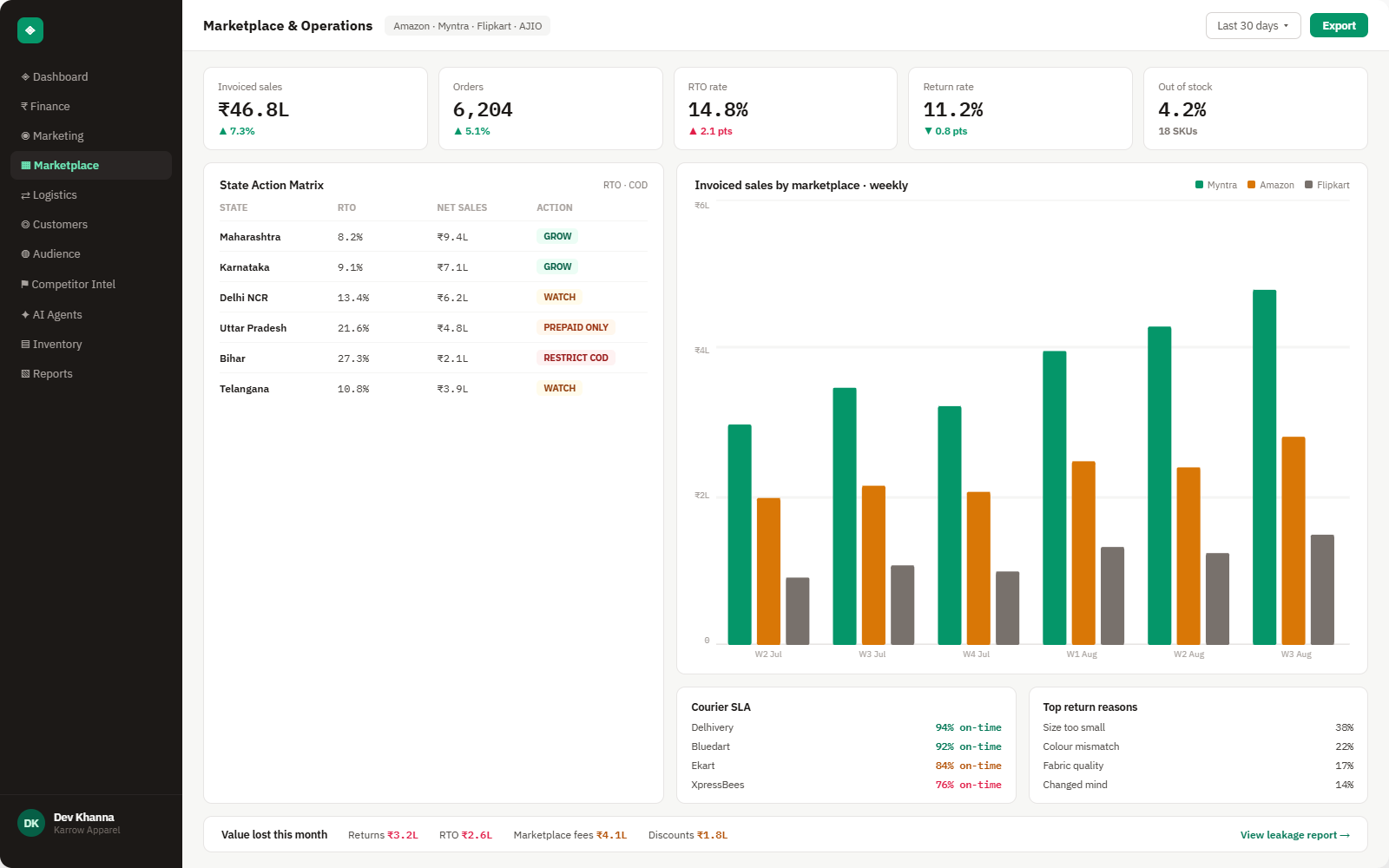
Everything Blinkit sends into Brandnata
Report data updates each time a new export is added or forwarded, and data received through your order management system syncs throughout the day.

Purchase orders
POs with SKU, quantity ordered, quantity delivered, PO price and delivery location, used to measure fill rate.
Sales & sell-through
Units sold and sales value by SKU and city, showing how fast stock moves once it reaches Blinkit.
Blinkit Ads
Ad spend, impressions and attributed sales from Blinkit Ads campaigns, by SKU.
Deductions & damages
Charges, damages, expiry and return-to-vendor amounts taken from payouts, matched to SKU where the report allows.
How Brandnata uses Blinkit data
Blinkit is a fast-growing channel for food, beauty and household brands, but its economics are different from a marketplace. Brandnata combines PO pricing, sell-through, deductions and Blinkit Ads with your product costs, then compares Blinkit with Amazon, Flipkart and your own store so quick commerce is judged on the same profit definition.

Blinkit data feeds Brandnata's anomaly alerts and AI agent suggestions. The connection itself only reads data and never changes anything in Blinkit.
What you can do with Blinkit in Brandnata
Specific, Blinkit-native use cases, not a generic list that applies to every connector the same way.
PO price minus product cost, charges, damages and the ad spend behind each SKU, which shows the products that work in quick commerce and the ones that only add volume.
Track units delivered against units ordered, and see where short supply is costing sales or putting listings at risk.
Compare Blinkit Ads spend with the margin on the units it sold, not just with sales value.
Where Brandnata + Blinkit fits
Other ways teams currently piece this data together, and where each one runs out of reach.
| Approach | Coverage | Where it falls short |
|---|---|---|
| Brandnata + Blinkit · this page | POs, sell-through, deductions and Blinkit Ads combined with product costs, giving profit per SKU and city | N/A |
| Blinkit partner portal (native) | Sales, purchase order, inventory and ads reports | Reports sit apart from each other and from your product costs, so margin per SKU isn't shown |
| Shelf monitoring tools | Public price, availability and search rank data scraped from the app | No access to your POs, payouts or ad spend, so they can't show profit |
| Spreadsheets | Portal exports joined by SKU and month | Deductions often arrive later than the sales they relate to, which makes monthly margin unreliable |
Blinkit works alongside every other connector
Data from Blinkit doesn't sit in isolation, it's matched against orders, customers and spend from every other platform you connect, so the full picture shows up automatically.
Related connectors
Brands using Blinkit usually connect these too.

EasyEcom orders, returns and inventory across marketplaces and quick commerce, combined with fees and ad spend to show profit.

Unicommerce orders, shipments and returns across your marketplaces, combined with fees and ad spend to show real profit.
Marketplace sales, fees, ads and inventory across every Amazon region.
Orders, returns, RTO and settlement deductions, with net profit per order.
Blinkit integration FAQs
How do I connect Blinkit to Brandnata?
Blinkit doesn't offer a public API for brands. Export sales, purchase order, inventory, payout and ads reports from your Blinkit partner portal and add them in Brandnata. If Unicommerce or EasyEcom already receives your Blinkit POs, Brandnata can use that data too.
Is Blinkit a marketplace or an inventory model?
Mostly inventory-led. Blinkit moved most of its business to buying stock from brands on purchase orders, so many brands now earn a negotiated margin rather than paying commission on each order. Brandnata handles both, and reports profit from PO price downwards.
What margin does Blinkit take from brands?
It depends on category and is negotiated in your agreement, and Blinkit doesn't publish standard rates. Brandnata uses the PO prices and deductions in your own reports rather than estimates.
What is fill rate on Blinkit?
Fill rate is the share of ordered units you actually delivered against a purchase order. Low fill rates lose sales and can lead to penalties or reduced orders, so Brandnata tracks it by SKU and location next to sell-through.
How do I calculate profit per SKU on Blinkit?
Start with the PO price per unit, then subtract product cost, inbound and other charges, damages or expired stock, and the Blinkit Ads spend for that SKU. Brandnata does this from your reports and shows it by SKU and city.
How does Blinkit Ads charge?
Blinkit has said its ads are priced mainly on impressions. Brandnata compares ad spend with the margin on the units sold, so campaigns are judged on profit rather than on attributed sales alone.
Can Brandnata change my Blinkit listings or ads?
No. Brandnata reads the data in your reports. It doesn't accept POs, change listings or prices, or edit Blinkit Ads campaigns.

Connect Blinkit in about 5 minutes
Connects through the sales, purchase order, inventory, payout and ads reports you export from your Blinkit partner portal, or the Blinkit data already flowing into Unicommerce or EasyEcom. Read-only to start, with your first reconciled numbers within a day.