
Flipkart seller profit after fees and RTO
Brandnata connects to Flipkart through Flipkart's Seller API authorization, which you approve by signing in at seller.flipkart.com and clicking Allow, in about 5 minutes. The connection is read-only by default, and Flipkart data is reconciled with every other channel you connect in one dashboard.
Brandnata's Flipkart integration brings in your Flipkart orders, shipments, returns and stock, then matches them with the deductions in your Flipkart settlements. You see what each Flipkart order actually earns after commission, fees and returns, side by side with your own store and other marketplaces.
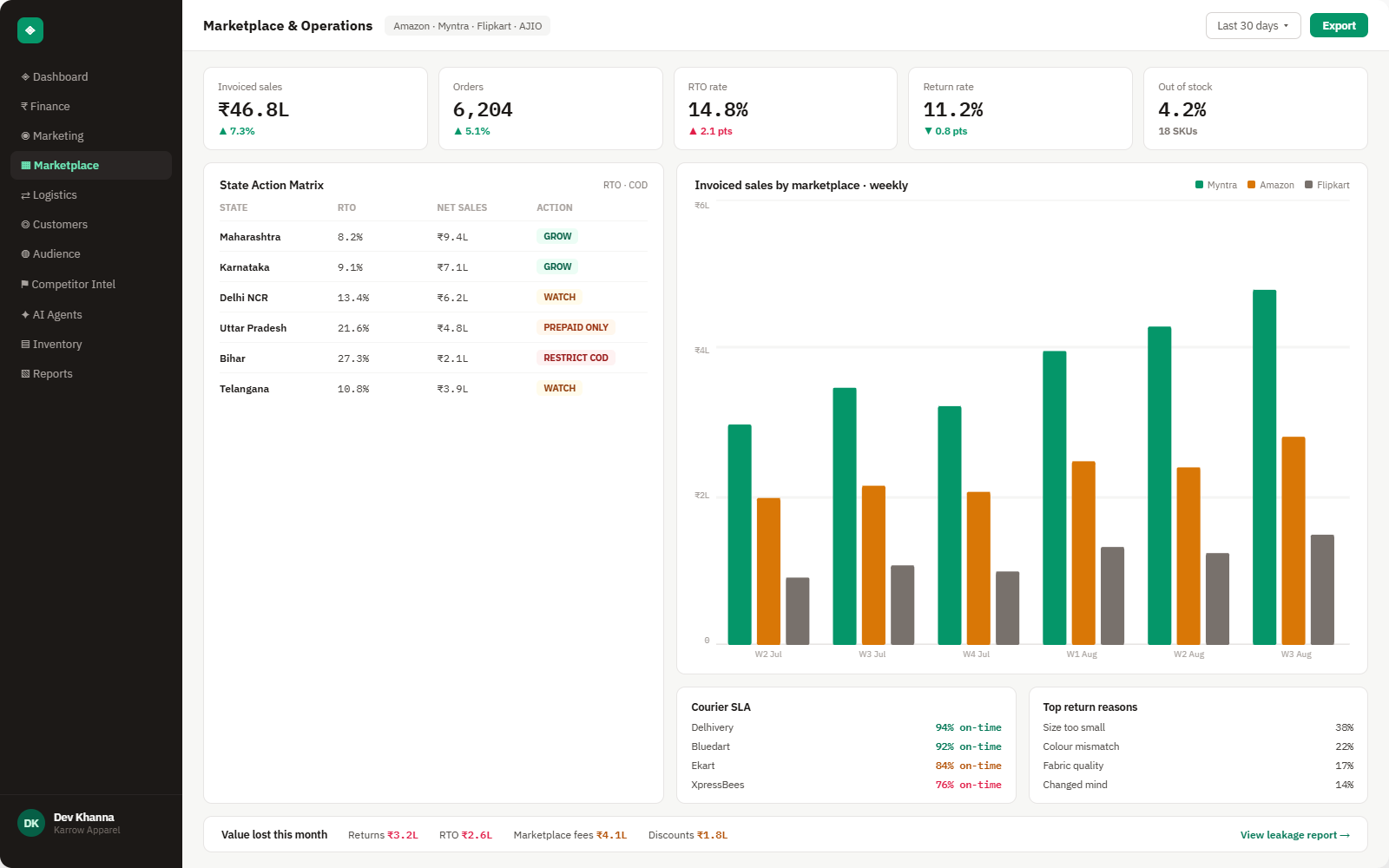
Everything Flipkart sends into Brandnata
Once connected, orders, shipments and returns sync throughout the day, and fee figures fill in as Flipkart settles each order.

Orders & shipments
Every order item with selling price, quantity, and dispatch and delivery status, by listing.
Returns & RTO
Customer returns and courier returns (RTO) with the reason Flipkart records, kept separate so each can be fixed at its source.
Settlement deductions
Commission, fixed, collection and shipping fees, taxes withheld and other deductions from your Flipkart settlements, matched to each order.
Listings & stock
Listing status, price and stock by SKU, tied to how fast each one sells.
How Brandnata uses Flipkart data
Flipkart orders are treated like orders from any other channel: Brandnata nets off every deduction Flipkart settles against them, so a Flipkart order's margin compares directly with an Amazon or Shopify order instead of with its gross selling price.

Flipkart data feeds Brandnata's anomaly alerts and AI agent suggestions. The connection itself only reads data and never changes anything in Flipkart.
What you can do with Flipkart in Brandnata
Specific, Flipkart-native use cases, not a generic list that applies to every connector the same way.
See what each order leaves you after every deduction in its settlement, instead of working backwards from a bank credit that bundles many orders together.
Split courier returns from customer returns by SKU and reason, so a sizing or packaging problem isn't mistaken for a delivery problem.
Spot charges that stand out, such as a fee applied twice or a return fee on an order that was delivered, so they can be raised with Flipkart seller support.
Compare margin per order across Flipkart, Amazon and your own storefront on the same basis, after fees and returns.
Where Brandnata + Flipkart fits
Other ways teams currently piece this data together, and where each one runs out of reach.
| Approach | Coverage | Where it falls short |
|---|---|---|
| Brandnata + Flipkart · this page | Orders, returns and settlement deductions matched per order, and compared with your other channels | N/A |
| Flipkart Seller Hub (native) | Orders, returns, listings, payments and settlement reports for your Flipkart account | Covers Flipkart only, and settlement lines have to be matched to orders by hand to see profit per SKU |
| Multichannel order management tools | Order, inventory and dispatch management across several marketplaces | Built for operations, so ad spend and profit per channel usually sit in a separate report |
| Settlement reports in spreadsheets | Settlement downloads matched to order exports in Excel | One order's deductions can be spread across more than one settlement, so manual matching is slow and easy to get wrong |
Flipkart works alongside every other connector
Data from Flipkart doesn't sit in isolation, it's matched against orders, customers and spend from every other platform you connect, so the full picture shows up automatically.
Related connectors
Brands using Flipkart usually connect these too.
Marketplace sales, fees, ads and inventory across every Amazon region.

Shipments, delivery performance and fulfillment, tied to every order.
Orders, revenue, products, customers and inventory, synced live.
WordPress store orders, refunds, products and stock, tied to ad spend and profit.
Flipkart integration FAQs
How do I connect Flipkart to Brandnata?
Choose Flipkart in Brandnata and you're sent to Flipkart's own authorization page. Sign in with your seller.flipkart.com credentials and click Allow to approve Brandnata's access. You never share your password with Brandnata, and orders, shipments and returns then start syncing.
Why is my Flipkart payout less than my order value?
Flipkart deducts its charges before paying you. A settlement typically nets off commission, a fixed fee per order, collection and shipping fees, GST on those fees, tax collected or deducted at source under Indian rules, and adjustments for returns. One order's deductions can also be spread over more than one settlement. Brandnata matches each deduction back to its order, so you can see what every order actually earned.
What is the difference between RTO and a customer return on Flipkart?
An RTO (return to origin) is an order the courier brings back without completing delivery, for example because the buyer cancelled while it was in transit or refused it at the door. A customer return happens after delivery, when the buyer sends the product back through a reverse pickup. Flipkart's Returns API reports both with a reason, and Brandnata keeps them separate because they have different causes and different fixes.
Does Brandnata pick up my Flipkart fees automatically?
Yes. Fee and deduction data comes from Flipkart's settlement reports, which Flipkart makes available to approved partner applications through its Seller API. Fees therefore appear once Flipkart has settled an order, while order and return data syncs throughout the day.
Does connecting Flipkart let Brandnata change my listings or prices?
No. Brandnata uses the connection to read orders, returns, stock and settlements, and doesn't change listings, prices, stock or order status. You can revoke its access from your Flipkart seller account at any time.
Are Flipkart Ads costs included?
Charges for Flipkart's product listing ads (PLA) appear as deductions in your settlements, so they're included in profit per order. Campaign-level ad reporting is a separate Flipkart Ads connection.
Can I see Flipkart alongside my own website and other marketplaces?
Yes. Flipkart sits next to your storefront, other marketplaces and shipping data in one view, so you can compare returns and margin across every channel you sell on.

Connect Flipkart in about 5 minutes
Connects through Flipkart's Seller API authorization, which you approve by signing in at seller.flipkart.com and clicking Allow. Read-only to start, with your first reconciled numbers within a day.