
Flipkart Ads ROI and profit after margin, fees and returns
Brandnata connects to Flipkart Ads through the campaign reports you download from your Flipkart Ads dashboard, matched to the orders and settlements from your Flipkart seller connection, in about 5 minutes. The connection is read-only by default, and Flipkart Ads data is reconciled with every other channel you connect in one dashboard.
Brandnata reads your Flipkart Ads campaign reports and matches the spend to your Flipkart orders, fees and returns. You see which PLA and PCA campaigns, and which products, make money after margin, not just which ones show a high ROI in the ads dashboard.
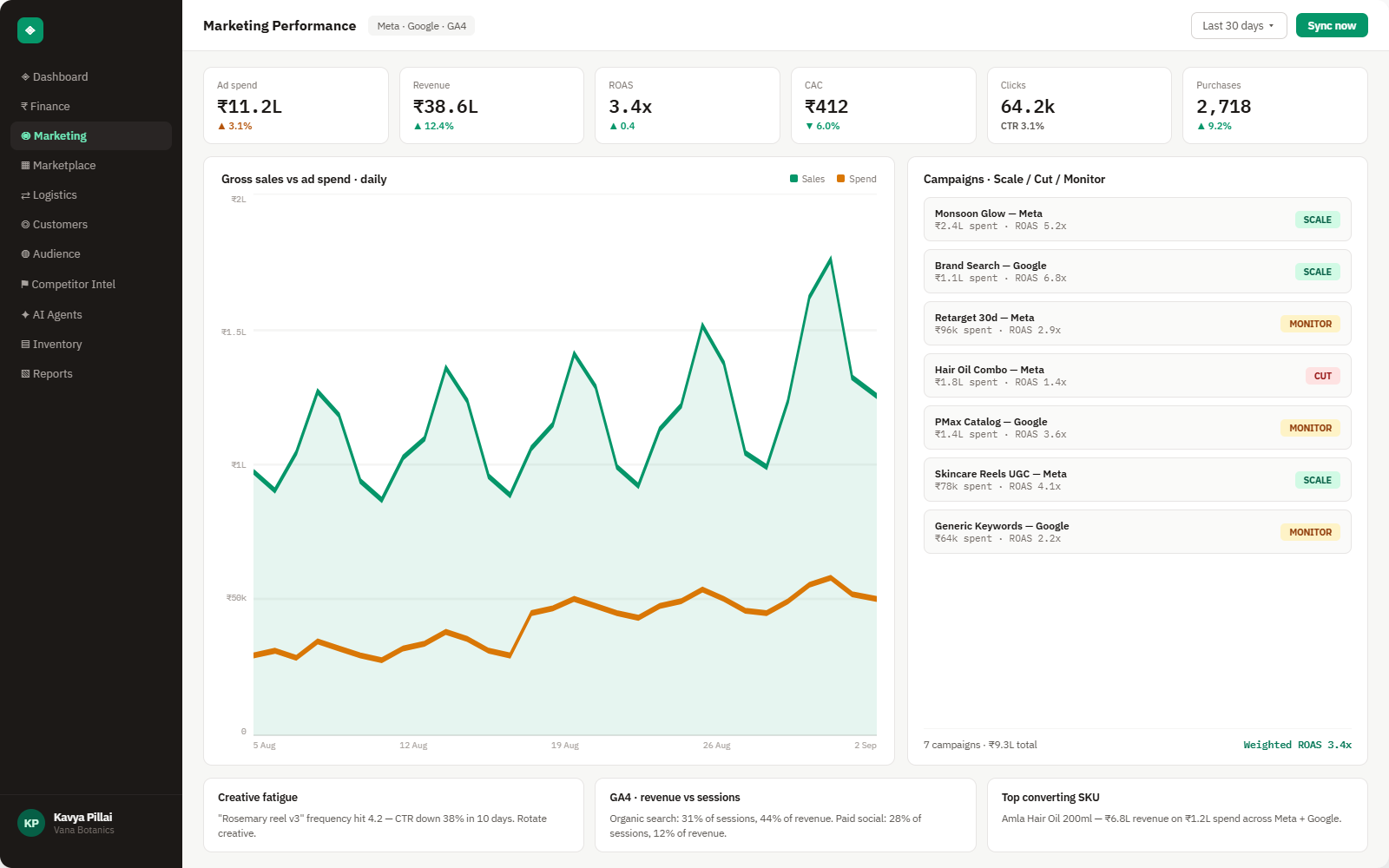
Everything Flipkart Ads sends into Brandnata
Ad data updates each time a new Flipkart Ads report is added, while the Flipkart orders and settlements it's matched to sync throughout the day.

Ad spend
Spend by campaign and day for Product Listing Ads (PLA) and Product Contextual Ads (PCA), as Flipkart reports it.
Views & clicks
Views, clicks and click-through rate by campaign, product and keyword, where the report includes them.
Ad sales & ROI
Units and revenue Flipkart credits to your ads, and the ROI shown in the dashboard.
Margin after fees
Product cost, Flipkart fees and returns from your Flipkart connection, applied to the products your ads sold.
How Brandnata uses Flipkart Ads data
Flipkart Ads spend is matched to the orders, returns and settlement deductions from your Flipkart connection, then ranked against Amazon Ads, Meta Ads and Google Ads on the same profit definition, so ad budget moves to the channel that keeps the most margin.

Flipkart Ads data feeds Brandnata's anomaly alerts and AI agent suggestions. The connection itself only reads data and never changes anything in Flipkart Ads.
What you can do with Flipkart Ads in Brandnata
Specific, Flipkart Ads-native use cases, not a generic list that applies to every connector the same way.
Each product's break-even ROI is worked out from its margin after Flipkart fees, so a campaign showing 4x ROI on a thin-margin product is flagged as losing money.
Compare ad-attributed units with total Flipkart units per product to see which listings depend on paid placement.
Ad revenue is counted before returns. Brandnata applies each product's return and RTO rate, so high-return products don't look better than they are.
Rank Flipkart Ads spend against Amazon Ads and Meta Ads on the same profit basis when deciding where the next rupee goes.
Where Brandnata + Flipkart Ads fits
Other ways teams currently piece this data together, and where each one runs out of reach.
| Approach | Coverage | Where it falls short |
|---|---|---|
| Brandnata + Flipkart Ads · this page | Campaign and product spend matched to Flipkart orders, fees and returns, compared with your other ad channels | N/A |
| Flipkart Ads dashboard (native) | Spend, clicks, ad sales and ROI by campaign and product, plus the Saarthi AI campaign tool | ROI is based on ad-attributed revenue, without your product cost, Flipkart fees or returns |
| Marketplace ad agencies | Campaign setup, bidding and reporting by an agency team | Reports usually stop at ROI or ROAS, and margin per product still has to be worked out separately |
| Spreadsheets | Ads report downloads joined with Seller Hub order and settlement exports | Ad charges, sales and returns land in different months, so matching them by hand is slow and error-prone |
Flipkart Ads works alongside every other connector
Data from Flipkart Ads doesn't sit in isolation, it's matched against orders, customers and spend from every other platform you connect, so the full picture shows up automatically.
Related connectors
Brands using Flipkart Ads usually connect these too.
Orders, returns, RTO and settlement deductions, with net profit per order.
Marketplace sales, fees, ads and inventory across every Amazon region.
Campaigns, spend, ROAS and audience performance, tied to real revenue.

Myntra orders, returns and payout statement deductions, combined with ad spend to show profit by style and channel.
Flipkart Ads integration FAQs
Flipkart Ads details on this page were last checked against Flipkart Ads's own documentation on .
How do I connect Flipkart Ads to Brandnata?
Flipkart doesn't offer a public Flipkart Ads API for third-party tools, so the connection uses reports. Download campaign reports from your Flipkart Ads dashboard for the dates you want and add them in Brandnata. Connect Flipkart as well, so ad spend can be matched to your orders, fees and returns.
What does ROI mean in Flipkart Ads?
ROI in Flipkart Ads is the revenue from ad-attributed sales divided by ad spend, so it works like ROAS rather than profit. A 5x ROI means five rupees of sales per rupee spent, before product cost, Flipkart fees and returns. Brandnata shows it next to profit per product.
What is a good ROI on Flipkart Ads?
A good ROI is one above your break-even ROI, which depends on margin. Break-even ROI is selling price divided by the profit left per unit after product cost, Flipkart fees and expected returns. A product with a 20% margin needs at least 5x to break even on ad-driven sales.
What is the difference between PLA and PCA on Flipkart?
Product Listing Ads (PLA) show your product within Flipkart search results and category listings, much like an organic listing marked as an ad. Product Contextual Ads (PCA) are display-style units shown in context on product and search pages. Brandnata reports both on the same profit basis.
Should I use a CPC or Smart ROI campaign on Flipkart?
Flipkart positions CPC campaigns for visibility, such as new, high-potential or slow-moving listings, and Smart ROI campaigns for listings where you need a minimum return, such as low-margin or high-converting products. Smart ROI may give less visibility than CPC. Brandnata compares both on profit after margin.
When are Flipkart Ads charges deducted?
Under Flipkart's Advertise Now, Pay Later option, launched in July 2025, ad spend is deducted from your Flipkart earnings at the start of the following month, with no interest or joining fee. Ad costs can therefore land in a different payout from the sales they drove, so Brandnata matches spend to the period it ran in.
Can Brandnata change my Flipkart Ads campaigns?
No. Brandnata only reads the reports you add. It doesn't create campaigns, change bids or budgets, pause ads or add funds, and it never needs your Flipkart Ads login.

Connect Flipkart Ads in about 5 minutes
Connects through the campaign reports you download from your Flipkart Ads dashboard, matched to the orders and settlements from your Flipkart seller connection. Read-only to start, with your first reconciled numbers within a day.