
Ad tracking tool for cross-platform reporting and attribution
Ad tracking is the measurement of what your ads cost and what they return, across every platform you advertise on.
Brandnata pulls spend, clicks and conversions from Google, Meta, TikTok and LinkedIn into one report, attributes results back to campaigns, and shows how each budget is pacing against plan.
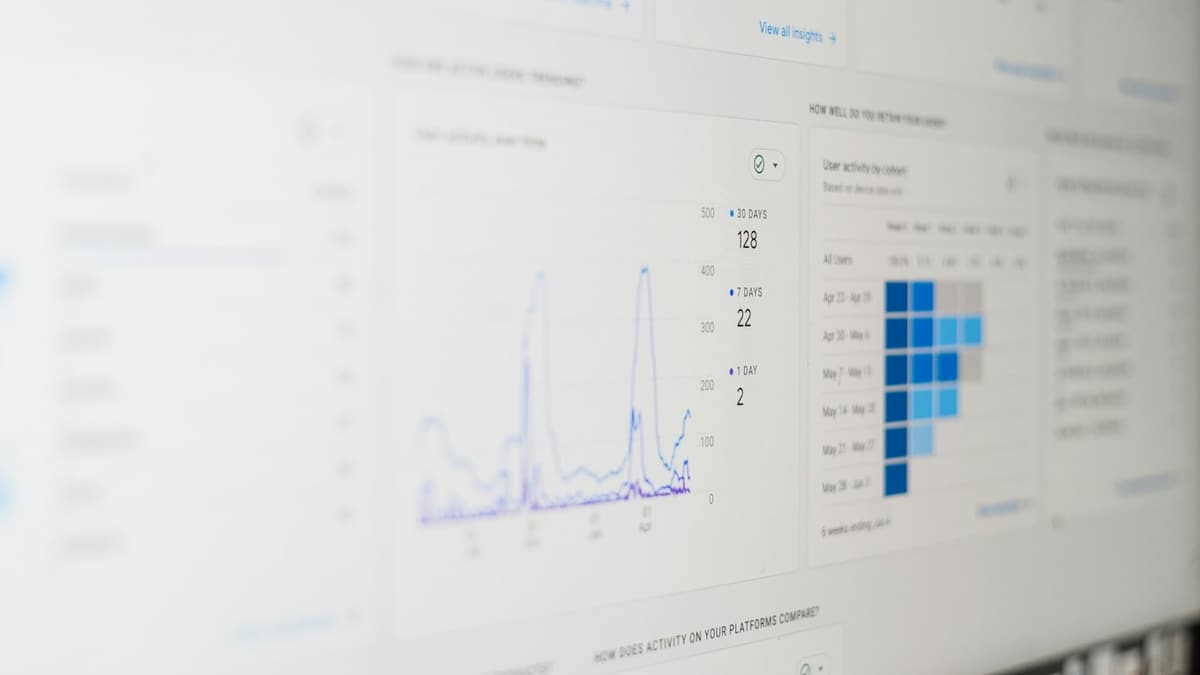
What does Brandnata's ad tracking tool measure?
Spend, delivery and results from every connected ad account, reported side by side with attribution and budget pacing.
The metrics in every report
| Metric | What it tells you | Used for |
|---|---|---|
| Spend | What each campaign cost in the period | Budget pacing and overspend alerts |
| Impressions and CPM | How often ads were shown, and the cost per thousand views | Spotting rising auction costs |
| Clicks, CTR and CPC | Whether people engage, and what each click costs | Comparing creative and audience response |
| Conversions and CPA | How many purchases or leads came in, and at what cost each | Checking campaigns against a target cost |
| ROAS | Revenue returned for every unit of ad spend | Deciding where the next budget should go |
Your ad budget is leaking where you can't see it
When every platform reports on its own terms, waste hides in the gaps between dashboards, and nobody has the full picture until the month is over.
Platform hopping
Every ad account has its own dashboard, so the full picture means logging in everywhere.
Conflicting numbers
Each platform claims credit for the same conversions, so totals never add up.
Pacing surprises
Overspend shows up at month-end instead of on the day it starts.
Manual reporting
Weekly reports get stitched together by hand from platform exports.
Platform ROAS vs. blended ROAS: why your numbers don't add up
Each ad platform measures its own results with its own attribution model and window. When a shopper clicks a Google ad and later sees a Meta ad, both platforms can count the same sale.
Revenue a platform credits to itself ÷ spend on that platform
Useful for comparing campaigns inside one platform. Totals across platforms usually run higher than what your store actually took in.
Total revenue ÷ total ad spend across every channel
Counts each sale once, so it shows what your advertising returns as a whole, even though it can't say which platform earned it.
Brandnata shows both views. Connect your store and analytics alongside your ad accounts, and a large gap between the two numbers becomes something you can investigate instead of argue about.
How does Brandnata report across ad platforms?
Four jobs that normally take a spreadsheet and a morning, done in one place.
Cross-platform dashboard
One dashboard for every ad account you run.
- Unified reporting across platforms
- Cross-platform campaign comparison
- Centralized ad spend tracking
- Findings that feed the ad optimization tool for bid and budget recommendations
Performance reporting
Follow campaign results as they come in, without exporting anything.
- Campaign metrics from impressions to ROAS
- Budget pacing alerts
- Platform-level KPI tracking
- Trend views to catch drops early
Spend pacing and budget tracking
Know how each budget is pacing against plan.
- Daily, weekly and monthly spend tracking
- Pacing against monthly budgets
- Budget overrun alerts
- Platform-by-platform spend breakdown
Attribution and conversion reporting
See which campaigns and creatives drove results.
- Conversions attributed to campaigns, ad sets and creatives
- Blended ROAS across platforms
- Creative-level performance reporting
- A/B test tracking
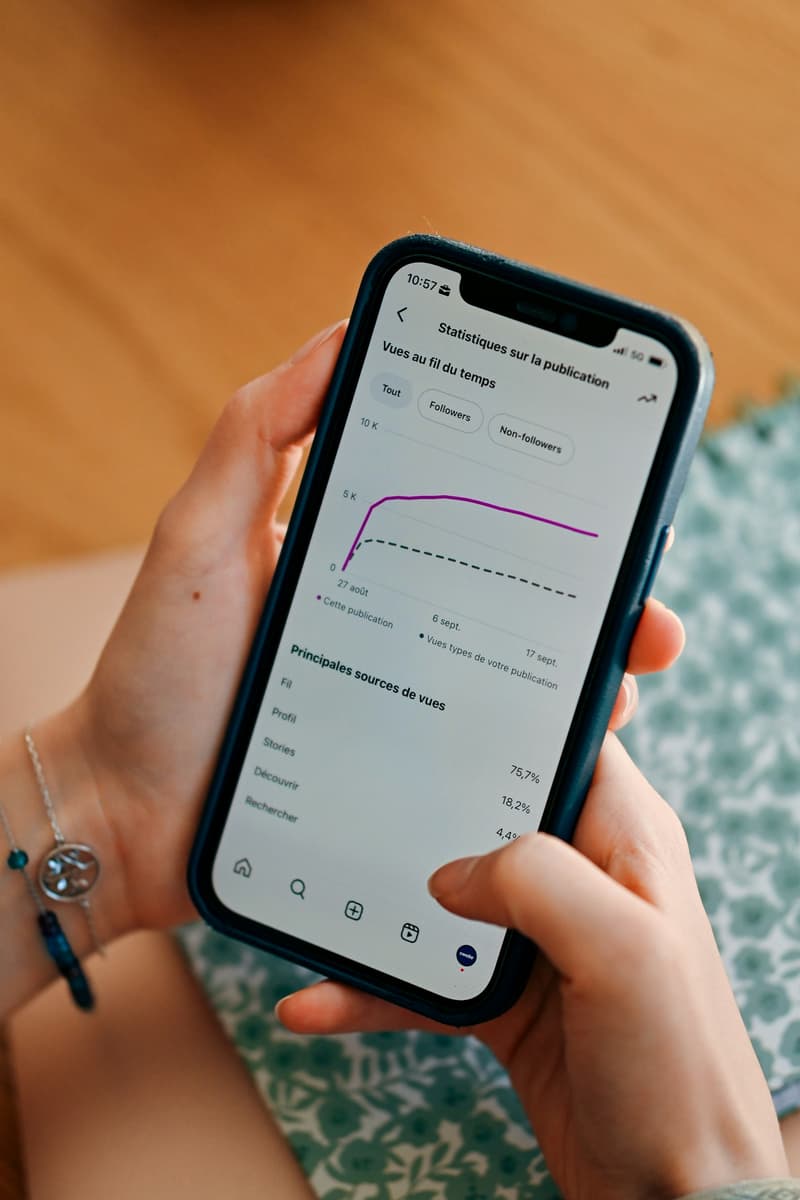
Find overspend on the day it starts
Set a budget for a campaign or a whole account, and Brandnata tracks spend against it through the period. If a campaign is on course to overspend or underspend, you hear about it while there is still time to act.
- Daily, weekly and monthly budgets tracked against actual spend
- Alerts before a campaign runs out mid-month or overshoots
- Spend broken down by platform, account and campaign
Three steps to one view of every ad account
No tracking code to install and no developer needed.
Connect your ad accounts
Link Google Ads, Meta Ads, TikTok Ads and LinkedIn Ads through each platform's official API. Each connection takes minutes.
Your dashboard fills in
Campaigns, spend and conversions appear side by side as historical data syncs. Add your store to compare against real orders.
Track, report and attribute
Share cross-platform reports, set budget pacing alerts and see which campaigns drove results.
The ad tracking dashboard
Six views for the questions paid media teams ask every week.
Unified metrics view
CPM, CPC, CTR, conversions and return in one place.
Budget vs. spend
See budget pacing and spot overspend as it happens.
Performance trends
Follow campaign trends and catch drops early.
Creative leaderboard
Rank creatives by the results they drive.
Anomaly detection
Unusual spend and performance patterns flagged by AI.
Custom reporting
Automated campaign reports for teams and clients.
Who uses Brandnata to track ad performance
Anyone who reports on paid media across more than one platform.
Performance marketers
Report on spend and return across every platform.
Agency teams
Manage several clients from one campaign performance dashboard.
Ecommerce brands
Track product-level ad performance and spend.
Marketing leaders
Get one view of performance and attribution.
Security and data controls
Read-only connections
Official platform APIs with OAuth or read-only API keys. No scraping and no password sharing.
Suggest mode first
Agents recommend and wait for approval. Every action is logged and reversible.
Your data stays yours
Never shared across brands and never used to train models for anyone else.
Ad tracking tool FAQs
What is an ad tracking tool?
An ad tracking tool collects spend, delivery and conversion data from each platform you advertise on and reports it in one place. Brandnata does this for Google Ads, Meta Ads, TikTok Ads and LinkedIn Ads, adds attribution back to campaigns, and tracks how each budget is pacing against plan.
What does Brandnata's ad tracking tool measure?
It measures spend, impressions, clicks, conversions and return on ad spend for every connected campaign. Data from your Google, Meta, TikTok and LinkedIn ad accounts sits side by side in one report, so you can compare platforms without exporting anything.
What is the difference between platform ROAS and blended ROAS?
Platform ROAS is the return each ad platform reports using its own attribution model and window, so two platforms can both take credit for the same sale. Blended ROAS divides total revenue by total ad spend across every channel. Brandnata shows both, which makes it easier to see when platform-reported results run ahead of what your store actually took in.
How does Brandnata attribute conversions across platforms?
Brandnata pulls conversion data from each ad platform and, where you connect them, lines it up with your store and analytics data. That lets you compare what each platform claims with what actually happened, and see which campaigns, ad sets and creatives contributed.
How does spend pacing tracking work?
You set a budget for each campaign or account, and Brandnata tracks spend against it through the period. If a campaign is on course to overspend or underspend, you get an alert so you can act early instead of finding out at month-end.
Can I track multiple ad accounts and clients in one place?
Yes. You can connect several ad accounts per platform and view them together or separately. That makes it practical for agencies that report to multiple clients from one workspace.
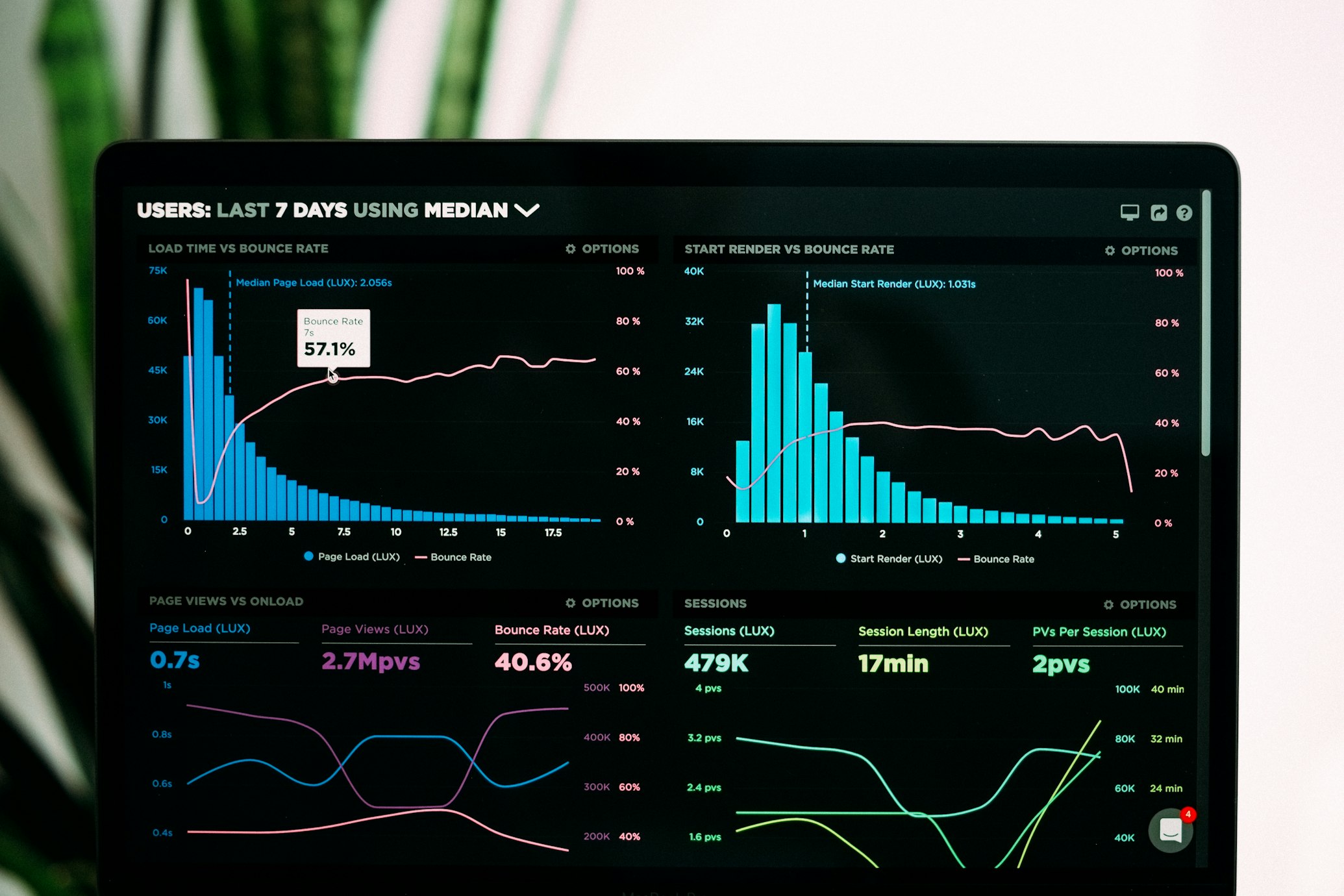
See every ad account in one report
Spend, results and budget pacing for Google, Meta, TikTok and LinkedIn, side by side, without a single export.
Prefer email? sales@perimattic.com
Keep reading
- AI ad optimization toolBid, budget and creative recommendations that you approve.Read about ad optimization
- Brandnata integrationsConnect storefronts, marketplaces, ad platforms and analytics.Browse integrations
- Meta Ads AgentAn AI agent that optimizes budgets and rotates creatives within your limits.Meet the Meta Ads Agent